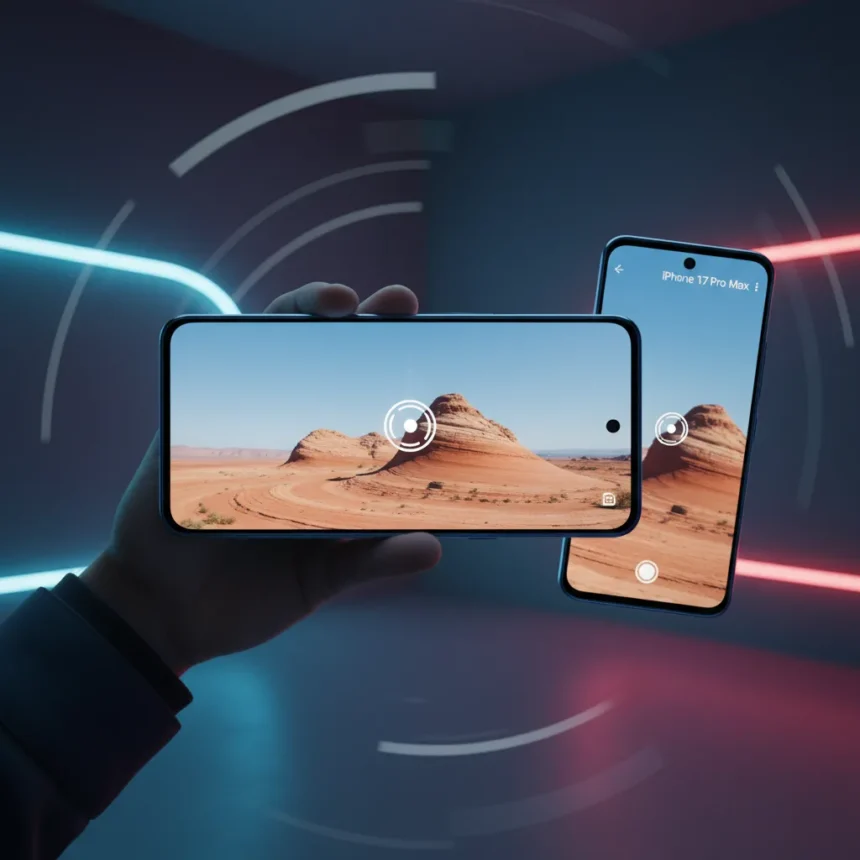
Samsung Galaxy S26 Horizontal Lock is a video stabilization feature built into the Super Steady mode of the Galaxy S26, S26 Ultra, and series, announced during Galaxy Unpacked in February 2026. It uses the phone’s gyroscope and accelerometer to maintain a level horizon in real-time during movement, including 360-degree rotations, without relying on post-processing. The feature works like a digital gimbal trapped inside your pocket.
Key Takeaways
- Horizontal Lock keeps video horizons level during full 360-degree phone rotations without tilting.
- Uses real-time gyroscope and accelerometer data to stabilize footage without post-processing.
- Outperforms iPhone 17 Pro Max Action mode, which reflects tilts and cannot match 360-degree stability.
- Enable it by opening Camera app, switching to Video mode, tapping Super Steady icon, and selecting Horizontal Lock.
- Best for vlogging, handheld walking shots, and action recordings in well-lit environments.
How Samsung Galaxy S26 Horizontal Lock Works
Horizontal Lock operates as an upgraded version of Samsung’s previous Super Steady mode, adding a new layer of motion tracking. When enabled, the feature continuously monitors the phone’s orientation using built-in sensors and locks the video horizon in place, even when the device rotates dramatically. The result is footage that bounces and shifts but never tilts left or right, no matter how aggressively you move or spin the phone. This is fundamentally different from traditional stabilization, which smooths jittery motion but cannot prevent tilting during extreme rotations.
The technology works in real-time, meaning there is no computational delay or quality loss. You record directly to a stabilized file without requiring your phone to process the footage afterward. For users accustomed to gimbal-based cameras or professional rigs, this smartphone-native approach eliminates the need for external hardware entirely.
Samsung Galaxy S26 Horizontal Lock vs iPhone 17 Pro Max Action Mode
When tested side by side, Samsung Galaxy S26 Horizontal Lock dramatically outperforms Apple’s iPhone 17 Pro Max Action video mode. The iPhone smooths bumpy footage effectively but cannot prevent the horizon from tilting when the phone rotates. In one comparison, a phone turned upside down and rotated 360 degrees while recording: the S26 Ultra footage remained level with only minor bounce, while the iPhone 17 Pro Max footage reflected every tilt and near-flip, making the horizon spin with the device.


This difference matters because it defines the feature’s use case. iPhone Action mode is excellent for action sports where the camera angle matters less than smoothness. Horizontal Lock is built for content creators who need stable, level footage regardless of how much they move or rotate the phone. Vlogging, walking shots, and handheld pans all benefit from a locked horizon in ways that traditional stabilization cannot match.
How to Enable Samsung Galaxy S26 Horizontal Lock
Enabling Horizontal Lock takes seconds. Open the Camera app and switch to Video mode. Tap the Super Steady icon—a moving figure at the top of the screen—and select Super Steady with Horizontal Lock from the options. Alternatively, tap the settings icon in Video mode and enable the feature from there. Once activated, start recording; the stabilization engages automatically. The phone’s gyroscope and accelerometer handle all motion tracking in the background.



The feature works best in well-lit environments. Samsung advises that performance may degrade in low-light conditions, where sensor data becomes less reliable. For outdoor vlogging, daytime action shots, and any well-lit handheld scenario, Horizontal Lock delivers the gimbal-like results that make the feature worth enabling.
Real-World Performance and Limitations
Testing with dogs revealed the feature’s practical strength: even chaotic, unpredictable movement—jumping pets, sudden direction changes, rapid pans—resulted in video that stayed level and watchable. The footage does bounce and shift, so do not expect complete stillness; instead, expect motion without tilting, which is a crucial distinction. The feature shines in scenarios where traditional stabilization struggles: fast walking, running, or rapid camera movement.
However, some early adopters report limited long-term use. One forum user noted trying Horizontal Lock extensively after release but rarely enabling it afterward, suggesting the novelty factor may exceed practical daily utility for some workflows. This does not diminish the feature’s technical achievement, but it reflects that gimbal-level stabilization is not a necessity for every video scenario. Casual social media clips and everyday recording often do not require this level of precision.
Is Samsung Galaxy S26 Horizontal Lock Worth Using?
Yes, if you record video regularly. For vlogging, content creation, handheld walking shots, or any scenario where a level horizon matters, Horizontal Lock is the strongest smartphone video stabilization available. It solves a problem that competitors have not yet matched: keeping the horizon locked during extreme camera movement. If you rarely record video, the feature remains a nice bonus without being essential.



How does Horizontal Lock compare to gimbal stabilizers?
Horizontal Lock mimics gimbal behavior by locking the horizon electronically rather than mechanically. Unlike physical gimbals, it works instantly, requires no setup, and fits in your pocket. However, gimbals offer more refined motion curves and can add cinematic smoothing that Horizontal Lock does not provide. For casual content creation, Horizontal Lock eliminates the need for external hardware entirely.
Does Horizontal Lock work in low light?
Samsung recommends using Horizontal Lock in well-lit environments, as the gyroscope and accelerometer data becomes less reliable in darkness. While the feature may function in dim conditions, performance degrades significantly, so it is best reserved for daylight or brightly lit indoor settings.
Samsung Galaxy S26 Horizontal Lock is not just a camera upgrade—it is a fundamental shift in how smartphones approach video stabilization. By delivering gimbal-level horizon control without external hardware or post-processing, it sets a new standard that competitors will struggle to match. For anyone who records video on a smartphone, this feature alone justifies paying attention to the Galaxy S26 series.
Edited by the All Things Geek team.
Source: Tom's Guide