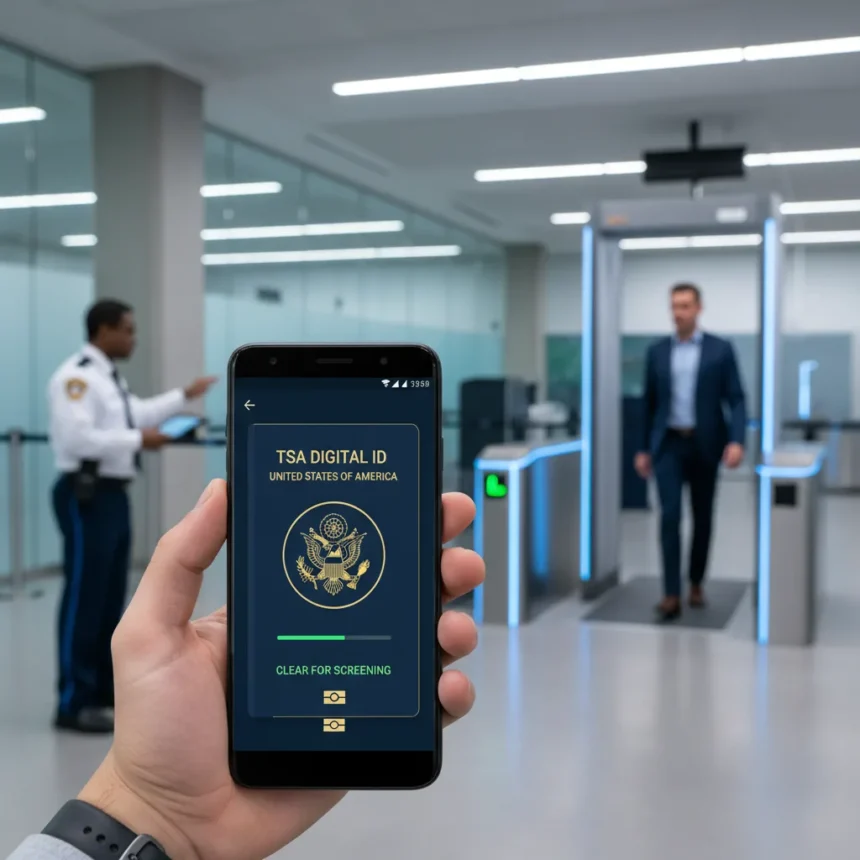
Samsung Wallet digital passports are now available for U.S. travelers, offering a faster way through TSA checkpoints at participating airports. The feature, enabled through a partnership with CLEAR, lets you store a digital version of your passport directly on your phone or Galaxy Watch, eliminating the need to dig through your bag at security.
Key Takeaways
- Samsung Wallet now supports TSA-approved digital passports via CLEAR partnership for U.S. travelers.
- Digital passport use is limited to select TSA checkpoints at participating airports only.
- Setup requires scanning your passport, completing a face verification, and fingerprint or PIN authentication.
- You can present your digital passport by tapping near an NFC reader or showing a QR code.
- A boarding pass may still be required even with a digital passport for complete ID verification.
How to Add a Samsung Wallet Digital Passport
Adding a digital passport to Samsung Wallet follows a straightforward verification process designed to confirm you are the rightful holder of the document. The setup flow mirrors Samsung’s existing digital ID system for driver’s licenses, which has been refined through millions of user enrollments.
Start by opening Samsung Wallet and navigating to the Quick Access tab. Tap the plus icon, select Digital IDs, and choose the passport option. You will then scan the front and back of your physical passport, following the on-screen prompts carefully to ensure clear, well-lit images. Next comes the face scan—Samsung uses this to verify that you are you, the rightful holder of the passport, and the scan is used for verification purposes only. After completing the face scan, tap Submit and authenticate using your fingerprint or PIN to finalize the enrollment.
The entire process typically takes under five minutes on a compatible Samsung device. Galaxy Watch owners can also add digital passports through the Galaxy Wearable app, providing an alternative way to present credentials at checkpoints.


Using Your Digital Passport at TSA Checkpoints
Once enrolled, you have two ways to present your digital passport at TSA checkpoints equipped with compatible readers. The fastest method is tapping your phone or watch near the NFC reader—the checkpoint scanner will read your digital passport data instantly, and you authenticate once the phone displays your passport information.
If the checkpoint uses a QR code reader instead, open Samsung Wallet, go to Quick Access, select your digital passport, authenticate with your fingerprint or PIN, open the card details page, and select view QR code. The TSA agent will scan the code to verify your identity. Both methods are equally valid, though NFC tapping is typically quicker when available.



Important caveat: digital passport use at TSA checkpoints is limited to select airports and checkpoints with compatible readers. Availability remains subject to TSA and participating airport discretion, so you should always carry your physical passport as a backup. Additionally, a boarding pass may still be required for complete ID verification even when presenting a digital passport.
Samsung Wallet’s Broader Digital ID Ecosystem
Digital passports are the latest addition to Samsung Wallet’s expanding identity stack. The app already supports driver’s licenses and state IDs, boarding passes, health passes, and student IDs—creating a comprehensive mobile credential system. This ecosystem positions Samsung Wallet as a direct competitor to Apple Wallet and Google Wallet, though Samsung’s integration with TSA checkpoints gives it a practical advantage for frequent domestic travelers.
The boarding pass feature, for example, lets you add flights from airline apps or emails using the Add to Samsung Wallet button, QR code scanning, or PDF import. At the gate, you simply open your pass and tap Show QR Code for scanning. Student IDs work through the Transact eAccounts app, allowing college students to add digital credentials that work on both phones and watches. This variety means you can consolidate multiple documents into one app, reducing the number of things you need to carry through security.
What About Upcoming Features?
Samsung has signaled future enhancements to Samsung Wallet, including Boarding Pass Capture and Personalized Card Art. Boarding Pass Capture would let you photograph a physical boarding pass and automatically extract the relevant data into your wallet, eliminating manual entry or QR code scanning. Personalized Card Art would let you customize how your digital credentials appear on your device, adding visual distinction between multiple IDs. These features remain in development, but their inclusion on Samsung’s roadmap suggests the company is committed to expanding wallet functionality beyond basic credential storage.



Is a digital passport required for TSA PreCheck or Clear?
No. Samsung Wallet digital passports are a separate convenience feature for identity verification at TSA checkpoints. They do not replace TSA PreCheck membership or Clear enrollment—those are distinct trusted traveler programs with their own enrollment processes and fees. A digital passport simply speeds up the ID verification portion of standard security screening at participating airports.
Can I use a digital passport for international travel?
Currently, Samsung Wallet digital passports are designed for U.S. travelers and domestic airport security use only. International travel still requires your physical passport. If you are traveling abroad, you must carry your physical passport document regardless of digital wallet features available on your phone.
What happens if my phone dies at the airport?
Always carry your physical passport as a backup. Digital credentials are convenient, but airport security ultimately relies on TSA and airport discretion for acceptance. A dead phone means you cannot present a digital passport, so having your physical document ensures you can still proceed through security without delay.
Samsung Wallet digital passports represent a meaningful step toward frictionless airport security for U.S. domestic travelers. The feature works best when you view it as a convenience layer, not a replacement for your physical passport. At participating checkpoints with compatible readers, it genuinely speeds up the verification process. But until digital passports become universally accepted across all U.S. airports—which remains unlikely in the near term—keeping your physical passport in your bag is still the smartest travel habit.
Edited by the All Things Geek team.
Source: TechRadar