





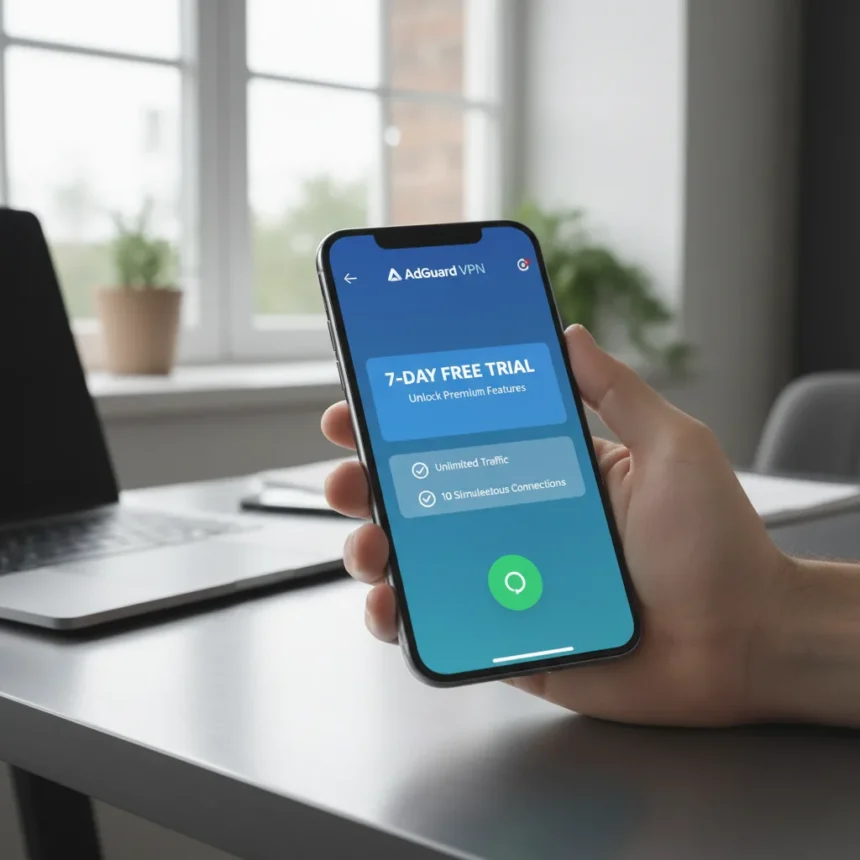
AdGuard VPN iOS app v2.10 introduces a significant shift in how new iPhone users can evaluate the service before committing to an annual subscription. The update rolls out a 7-day free trial granting full access to premium features, including unlimited traffic, all server locations, and support for up to 10 simultaneous device connections. This is a meaningful change for users skeptical about paying upfront for a VPN they haven’t tested.
Key Takeaways
- AdGuard VPN iOS app v2.10 offers a 7-day free trial with unlimited traffic and 10 simultaneous devices
- Trial requires annual subscription purchase via App Store; free version limited to 2 devices and 3 GB monthly
- App requires iOS 15.4 or later and uses AES-256 encryption for data protection
- Split tunneling feature available on iPhone, a rarity among iOS VPNs
- Compatible with AdGuard Ad Blocker in Integrated mode for combined ad and tracker filtering
What’s New in AdGuard VPN iOS v2.10
The 7-day premium trial is the headline feature of this release, but the update addresses several stability and usability gaps. The new version includes an updated VPN client, the ability to export exclusion lists from Mac to iOS, and integration with Siri Suggestions for faster app access. These aren’t flashy additions, but they solve friction points that power users encounter regularly.
The trial unlocks everything the paid tier offers: all 29 supported server locations, unlimited monthly traffic, and the ability to protect 10 devices simultaneously. For comparison, the free version caps you at 2 devices and 3 GB per month, making it more of a taster than a fully functional option. The trial is genuinely useful—you can stream, download, and test the service’s actual performance without hitting artificial limits.
System Requirements and Device Compatibility
AdGuard VPN iOS app runs on iPhone, iPad, and iPod touch devices running iOS 15.4 or later. Apple Vision users can install the app on visionOS 1.0 or later. The app supports 29 languages, spanning English, Arabic, French, German, Japanese, Korean, Russian, Simplified and Traditional Chinese, and many others. Availability is global via the App Store, with no region-specific restrictions mentioned in the release details.


Security and Performance Specifications
The app uses AES-256 encryption, a symmetric block cipher with a 256-bit key that is practically unbreakable by current brute-force methods. Users have reported the app performs well in real-world conditions. One user noted it’s fast, easy to configure, and offers split tunneling—a feature that allows you to route some traffic through the VPN while other apps bypass it, a capability rarely available on iOS due to platform limitations. This matters if you want to stream geo-restricted content while keeping banking apps connected to your local network.
How AdGuard VPN Works With AdGuard Ad Blocker
If you already use AdGuard Ad Blocker on iOS, AdGuard VPN can run in Integrated mode, combining both tools’ strengths without the typical iOS limitation that prevents VPN and content filtering from running simultaneously. To enable this, open AdGuard VPN, tap Settings (the gear icon in the lower right), navigate to App settings, then Operating mode, and switch from VPN to Integrated. This mode uses DNS filtering for ad and tracker blocking while the VPN handles privacy, a workaround that most VPN and ad blocker pairs cannot achieve on iOS.



Free Version vs. Paid Tier
The free tier of AdGuard VPN iOS app is intentionally limited: 2 devices maximum, 3 GB monthly traffic, and a subset of server locations. It’s designed to let you test basic functionality, not to be your primary VPN. The paid subscription removes these caps entirely, offering 10 simultaneous connections, unlimited traffic, and access to all servers worldwide. The 7-day trial bridges this gap, letting you see if the paid experience justifies the annual cost without gambling your money.
Comparing AdGuard VPN to Free Alternatives
Most free VPNs impose either data limits, device limits, or both—AdGuard VPN’s free tier does both, which is honest but restrictive. The real advantage of the new trial is that you can test the paid experience without commitment. Many competing VPNs offer no trial at all, forcing you to subscribe blindly or rely on refund policies. The 7-day window is long enough to run it through daily use, streaming, and multiple devices, giving you genuine data about whether it fits your workflow.
Is the AdGuard VPN iOS app trial worth trying?
The 7-day trial removes the financial risk of testing AdGuard VPN on iPhone. If you’re currently using the free tier and hitting the 3 GB monthly limit, or managing more than 2 devices, the trial shows you exactly what unlimited access feels like. The split tunneling feature alone is worth testing if you need selective VPN routing.
Can I use the AdGuard VPN iOS app trial without a subscription?
No. The 7-day trial requires you to purchase an annual subscription via the App Store to activate it. You cannot access the trial period through the free version. However, the trial gives you a full week to test premium features before your subscription charges, so you can cancel within that window if it doesn’t meet your needs.



Does AdGuard VPN iOS app work with other ad blockers?
AdGuard VPN can run alongside AdGuard Ad Blocker in Integrated mode, which is a unique compatibility on iOS. Running it with non-AdGuard ad blockers is not supported due to iOS architecture limitations—iOS only allows one VPN configuration at a time, and Integrated mode is a workaround specific to AdGuard’s ecosystem.
The AdGuard VPN iOS app v2.10 update fills a real gap in how VPN trials work on iPhone. A 7-day premium trial is generous enough to be meaningful and short enough to push toward a purchase decision. If you’ve been skeptical about VPN subscriptions, this is a legitimate chance to test before you commit.
Edited by the All Things Geek team.
Source: TechRadar




