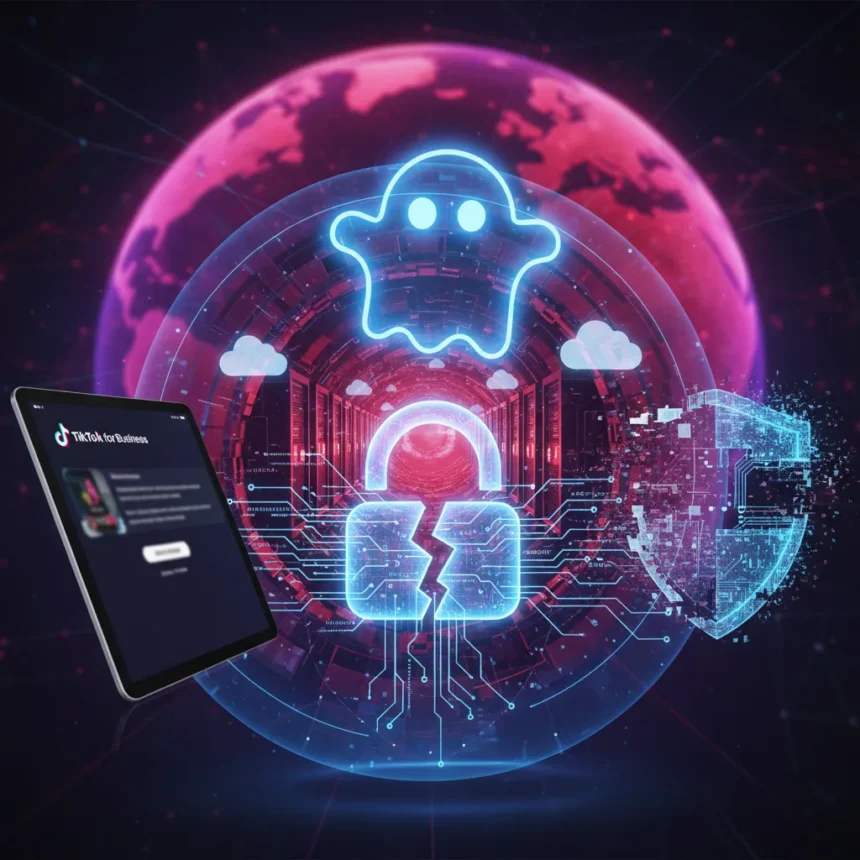
TikTok for Business phishing has escalated beyond simple credential harvesting. A new campaign detected in March 2026 uses Adverse-in-the-Middle (AITM) phishing kits with reverse proxies to capture login credentials and session cookies, then forwards them to attackers while simultaneously logging victims into the real service—effectively bypassing two-factor authentication.
Key Takeaways
- AITM phishing kits hosted on Cloudflare use reverse proxies to intercept credentials and session tokens, bypassing 2FA protections.
- Phishing domains registered via NiceNIC on March 24, 2026, follow patterns like welcome.careers[.]com, deployed within seconds.
- TikTok for Business accounts are targeted for malvertising, ad fraud, and malicious content distribution due to their reach and legitimacy.
- Google SSO compromise means attackers gain access to both TikTok and Google Ads accounts simultaneously.
- TikTok never requests passwords or MFA codes; any such request is a phishing attempt.
How the TikTok for Business phishing attack works
The attack chain is straightforward but effective. Victims click a malicious link—likely delivered via suspicious job offers, unknown invites, or direct messages. They land on a Cloudflare-hosted page that collects basic information, then presents a fake TikTok for Business or Google login screen. When credentials are entered, the reverse proxy captures them along with session cookies and exfiltrates the data to the attacker’s infrastructure. Meanwhile, the proxy forwards the credentials to the legitimate service, logging the victim in as if nothing happened. The victim sees no warning. The attacker now holds both the credentials and a valid session token that bypasses any 2FA checks.
This is why TikTok for Business phishing is particularly dangerous. If you use Google SSO to log into TikTok, a single compromised session means attackers control both your TikTok account and your Google Ads account. One phishing click. Two major advertising platforms compromised. According to Push Security’s analysis, “This means that anyone using Google to login to their TikTok account will effectively have both accounts used to distribute ads compromised in one go”.
Why attackers target TikTok for Business accounts specifically
TikTok for Business accounts are high-value targets. Compromised accounts enable malvertising—injecting malicious ads into legitimate campaigns—ad fraud, and distribution of malicious content to audiences that already trust the account’s legitimacy. A hacked TikTok Business account with thousands or millions of followers is a ready-made distribution network for scams, malware, or phishing campaigns. The platform’s history includes crypto scams via fake celebrity promotions and info-stealing malware hidden in video content. A legitimate-looking business account amplifies these threats exponentially.


The phishing domains themselves reveal operational sophistication. Registered via NiceNIC—a registrar known for hosting cybercriminal infrastructure—multiple domains following the welcome.careers[.]com pattern were registered within a nine-second window on March 24, 2026. This indicates automated domain generation and rapid deployment, suggesting a well-resourced threat actor running infrastructure at scale.
TikTok for Business phishing defense: concrete steps
TikTok’s official guidance provides a foundation, though it requires active discipline. First, validate sender email addresses. Legitimate TikTok communications come from addresses ending in tiktok.com or bytedance.com—for example, [email protected]. Anything else is suspicious. Second, remember that TikTok will never ask for your password or multifactor authentication code via email, message, or any other channel. Any request for these credentials is a phishing attempt, period.


Enable two-factor authentication on your TikTok account and use strong, unique passwords—not because 2FA is bulletproof (this campaign proves it isn’t), but because it raises the bar for attackers. Review your Business Center roles regularly and ensure team members have only the privileges they need for their specific job. Limit access to reduce blast radius if an account is compromised. Verify your account settings—confirm that the email and phone number registered for alerts are correct and that you recognize any recent login activity.
Beyond TikTok’s recommendations, be cautious of unsolicited links and messages, especially those offering opportunities or requesting urgent action. Threat actors weaponize urgency and appeal to greed or professional ambition. A job offer from an unknown recruiter with a suspicious link is a red flag. Invitations to “verify your account” or “confirm your identity” should be treated with extreme skepticism.
How this campaign compares to prior phishing threats
This TikTok for Business phishing campaign mirrors a 2025 wave targeting Google Ad Manager accounts, using similar AITM infrastructure and reverse proxy tactics. The threat actor or group behind this activity resembles patterns reported by Sublime Security, suggesting either the same operator or copycat techniques spreading through the underground. What distinguishes this campaign is its focus on TikTok’s business tier and the explicit targeting of Google SSO users—a deliberate choice to compromise multiple advertising ecosystems simultaneously.
Standard security bots often fail to detect these attacks because the phishing pages are hosted on Cloudflare, a legitimate content delivery network. Bots see a trusted domain and wave the traffic through. Push Security’s browser threat detection identifies these attacks by analyzing the reverse proxy behavior and credential interception patterns, demonstrating that defeating AITM phishing requires behavioral analysis, not just domain reputation checks.



What happens if your TikTok for Business account is compromised?
If you suspect your account has been phished, change your password immediately and enable or refresh two-factor authentication. Review your recent login activity and connected apps. Check your Business Center for unauthorized changes—new team members, modified billing information, or unexpected ad campaigns. If you used Google SSO, change your Google password as well and audit your Google Ads account for suspicious activity. Consider reaching out to TikTok support to report the compromise and request a security review.
Is TikTok for Business phishing spreading beyond this campaign?
The research brief does not specify the scope of active phishing pages or victim count. The March 24 detection marks the campaign’s discovery, not necessarily its start date. Given the rapid domain registration and Cloudflare hosting, the infrastructure could be active across multiple waves or regions. Vigilance is warranted across all TikTok Business users, not just those in specific industries or geographies.
Can you recover a TikTok for Business account after phishing?
Recovery depends on how quickly you act. If you regain access before the attacker changes the password or email, you can lock them out by updating credentials and reviewing connected integrations. If the attacker has already pivoted to Google Ads or other linked services, recovery becomes more complex and may require support from both TikTok and Google. Prevention is far simpler than remediation—treat every unsolicited link as a potential threat.
TikTok for Business phishing is not a problem that disappears with a single patch or policy update. It persists because the attack surface is large—millions of business accounts, many with valuable advertising reach—and the payoff for attackers is immediate. Your defense is behavioral: validate before clicking, refuse credential requests, enable 2FA, and stay skeptical of urgency. One moment of caution prevents weeks of damage control.
Edited by the All Things Geek team.
Source: TechRadar