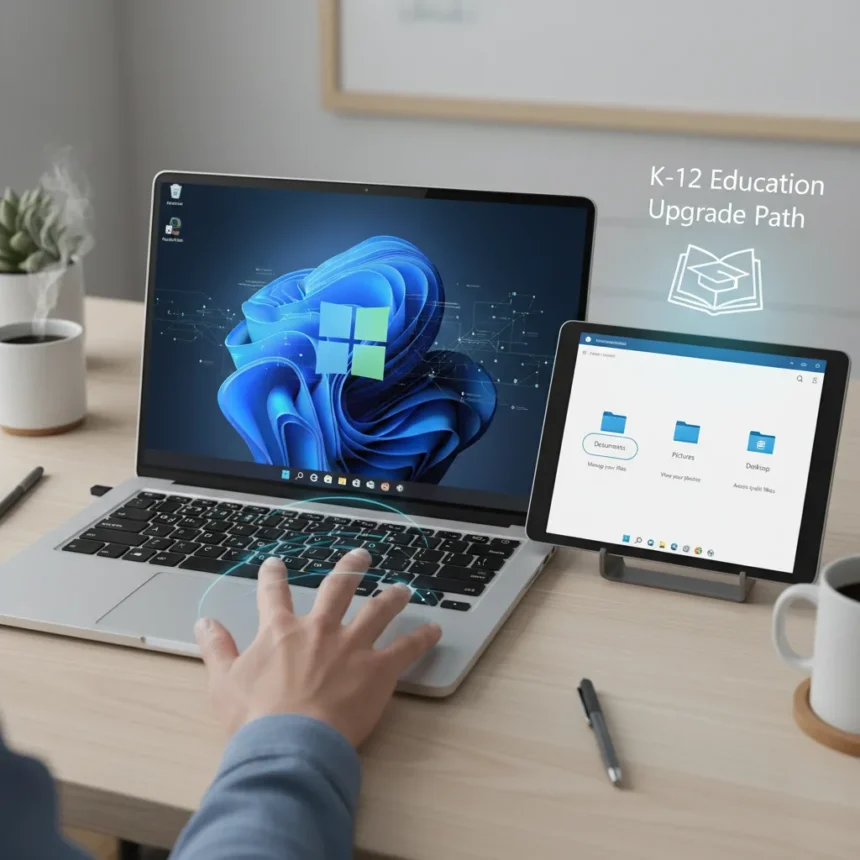
Windows Insider builds are receiving a meaningful refresh with practical improvements aimed at everyday usability. Microsoft has released four new Insider builds across different channels, introducing enhanced touchpad gestures, clearer File Explorer descriptions, a redesigned voice-typing interface, and a free upgrade path for K-12 schools to Windows 11 Education edition.
Key Takeaways
- Windows Insider builds now feature enhanced touchpad gestures with improved precision and multi-finger support.
- File Explorer context menu options now include clearer descriptions for better navigation.
- Voice-typing UI has been redesigned for improved usability in dictation workflows.
- K-12 schools and users can upgrade to Windows 11 Education edition at no cost.
- Builds are available to Windows Insiders across multiple channels ahead of wider release.
Touchpad Gestures Get a Practical Upgrade
The Windows Insider builds introduce enhanced touchpad functionality that addresses a long-standing gap in Windows laptop usability. The upgrades focus on improved precision and multi-finger gesture support, giving Insiders access to more responsive and intuitive trackpad controls. This is a meaningful shift for laptop users who have historically felt Windows trackpads lag behind macOS equivalents in gesture sophistication.
Touchpad improvements matter because they directly affect daily workflow. Better gesture recognition means fewer accidental clicks, smoother navigation between windows, and more reliable multi-touch commands. For Windows Insider participants, these builds offer a chance to test the gestures in real-world scenarios before any broader rollout, helping Microsoft refine the feature based on actual user feedback rather than lab testing alone.
File Explorer Gets Clearer Descriptions
File Explorer, one of Windows‘ most-used applications, is receiving improved context menu descriptions that make navigation more intuitive. The fix addresses a recurring friction point: users often encounter File Explorer options whose purpose is unclear without hovering or experimentation. Clearer descriptions reduce cognitive load and help both novice and power users accomplish tasks faster.


This improvement aligns with Microsoft’s broader push to streamline Windows 11’s interface. Prior updates introduced taskbar labels and Start menu enhancements, and these File Explorer changes continue that trajectory toward clarity over minimalism. For users managing files across multiple folders and drives, better contextual guidance is a practical win that compounds over hundreds of daily interactions.
Voice-Typing UI Redesigned for Accessibility
The redesigned voice-typing interface reflects growing demand for hands-free input, particularly among accessibility-focused users and those managing multiple tasks. A clearer, more intuitive dictation UI removes friction from the voice-to-text workflow, making speech input a more viable alternative to keyboard input for longer documents or quick notes.



The timing of this redesign matters. As remote work and asynchronous communication remain dominant, voice input tools are no longer niche features—they are essential accessibility tools that benefit users with mobility challenges, repetitive strain injuries, and those simply looking to diversify their input methods. A better UI makes the feature more discoverable and reduces the learning curve for new users.
Free K-12 Upgrade Path Expands Windows 11 Education Access
Perhaps the most significant addition is the free upgrade path to Windows 11 Education edition for K-12 schools and users. This removes a financial barrier that has historically limited education-focused deployments, allowing schools to adopt Windows 11 Education features without additional licensing costs. The move signals Microsoft’s commitment to maintaining market share in the education sector, a critical long-term investment.
Windows 11 Education edition includes features tailored for classroom and administrative use, such as advanced security controls, management tools, and streamlined deployment options. By making the upgrade free for K-12 institutions, Microsoft is betting that schools will standardize on Windows 11 Education, creating a generation of students familiar with the platform and more likely to choose Windows in their professional careers.
When Will These Builds Roll Out to General Users?
Windows Insider builds are available now to Insiders enrolled in the Beta Channel and other testing rings, but no general release date has been specified. These builds represent work-in-progress versions of features that may eventually appear in Windows 11 version 25H2 or later updates. Microsoft typically uses the Insider program to gather feedback and identify bugs before rolling features out to the broader user base, a process that can take weeks or months depending on the stability and reception of each build.



How Do These Improvements Compare to Previous Windows 11 Updates?
Windows 11 has received incremental improvements since its 2021 launch, but the focus has shifted from major visual overhauls to practical usability fixes. The 2023 Update introduced taskbar labels, Start menu cloud file previews, and Copilot integration—largely interface-level changes. The current Insider builds prioritize input methods (touchpad, voice typing) and navigation clarity (File Explorer), suggesting Microsoft is listening to user friction points rather than chasing feature novelty. This pragmatic approach is more valuable to daily users than flashy additions that sound impressive in marketing materials but rarely solve real problems.
Is the Free K-12 Education Upgrade Available Worldwide?
The research brief confirms that the free K-12 upgrade path to Windows 11 Education edition is available, but specific regional eligibility details are not provided. Schools and K-12 users should verify their eligibility through Microsoft’s official education channels to confirm whether the upgrade applies in their location and institution type.
When Can I Test These Windows Insider Builds?
Windows Insider builds are available now to users enrolled in the Windows Insider Program across Beta Channel and other testing rings. If you are not yet an Insider, you can join through Windows Settings by navigating to Update & Security and selecting the Insider Program option. Be aware that Insider builds are pre-release versions and may contain bugs or instability—they are best suited for users comfortable troubleshooting issues and providing feedback to Microsoft.
The Windows Insider builds represent Microsoft’s commitment to incremental, user-focused improvements rather than dramatic overhauls. Enhanced touchpad gestures, clearer File Explorer descriptions, redesigned voice-typing, and free K-12 education upgrades are practical additions that address real usability gaps. For Insider participants, these builds offer an early look at features destined for broader release; for schools, the free education upgrade path removes a significant adoption barrier. These are not headline-grabbing changes, but they are the kind of thoughtful refinements that make Windows 11 more usable for millions of daily users.
Edited by the All Things Geek team.
Source: Windows Central