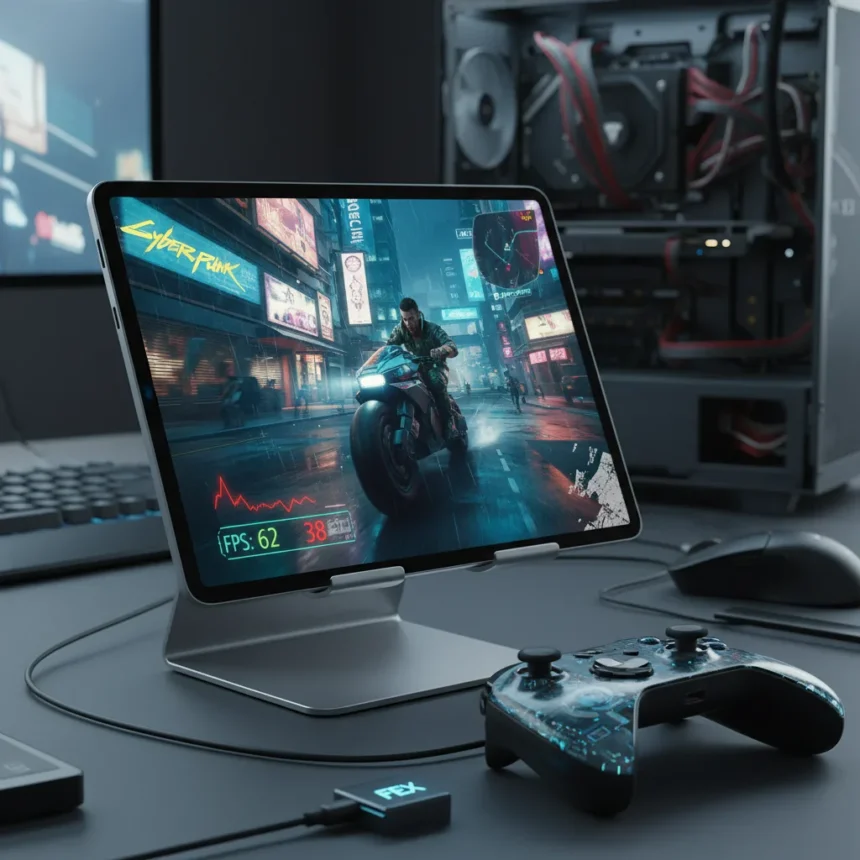
FEX Android PC games are now technically possible on high-end Snapdragon 8 Elite tablets, with titles like Cyberpunk 2077 reaching 60+ frames per second. But playable does not mean reliable. After months of testing across multiple flagship devices, the reality is clear: FEX remains a technical proof-of-concept, not a practical gaming solution for most Android users.
Key Takeaways
- FEX is a dynamic binary translator converting x86/x64 CPU code to ARM64 in real-time, passing GPU graphics directly to native hardware.
- Tested on AYN Odin 3 and Lenovo Y700 Gen 4 tablets show Left 4 Dead 2 at 60 FPS, Cyberpunk 2077 at 60+ FPS with FSR, but with frequent crashes in unlocked modes.
- Requires Snapdragon 8 Elite SoC with 12GB+ RAM; low-end devices and Mali GPUs remain poorly supported.
- GameHub (Play Store) and Game Native (open-source) bundle FEX with Proton/Wine for Windows-to-ARM compatibility.
- Valve funds FEX development and plans Steam Frame device to accelerate ARM gaming adoption.
How FEX Actually Works on Android Tablets
FEX Android PC games function through a clever architectural separation: the translation layer handles CPU instructions, converting x86/x64 code to ARM64 on-the-fly, while graphics requests bypass translation entirely and run natively on the tablet’s GPU. This GPU passthrough is why performance doesn’t collapse the moment you launch a game. Pierre-Loup Griffais, a Valve SteamOS developer, explained it plainly: “The performance hit of any emulation stops as soon as you cross that API boundary… it will immediately jump into ARM native code.” That boundary matters. Without it, you would see massive frame rate penalties. With it, you get playable results on flagship hardware.
The design prioritizes correctness over speed hacks. FEX handles DRM, anti-tamper code, and other protection mechanisms accurately, avoiding the crashes that plague simpler emulators. This approach means games behave as they would on a PC—for better and worse. If a game crashes on Windows, it will likely crash on Android too. If it runs stably, FEX usually delivers a stable experience as well. That reliability matters when you are testing whether the tech is ready for real use.
FEX Android PC games in real-world testing: playable, but fragile
Testing reveals a sharp divide between what FEX can do and what it should do for mainstream users. On the AYN Odin 3 with 16GB RAM and Snapdragon 8 Elite, Left 4 Dead 2 and Marvel Cosmic Invasion ran at smooth 60 FPS. GTA V hit around 40 FPS on the Lenovo Y700 Gen 4 at 720p with normal settings. Cyberpunk 2077, the real stress test, exceeded 60 FPS with FSR enabled on high-end phones. These numbers sound impressive until you run the games yourself.


Frame dips are frequent. Crashes in unlocked graphics modes are routine. The Witcher 3 and Spider-Man: Miles Morales are playable at 720p/30-60 FPS, but “playable” means you will hit stutters and occasional hard crashes. This is not the experience casual gamers expect. You cannot recommend FEX Android PC games to someone buying a 2,000 AED tablet expecting console-quality emulation. The technology works. It is not ready for prime time.
Hardware requirements: FEX Android PC games demand flagship specs
FEX officially supports Android 8 and above, which sounds inclusive. In practice, FEX Android PC games demand high-end Snapdragon 8 Elite chips with 12GB+ RAM to deliver anything beyond slideshow performance. The AYN Odin 3 (16GB RAM) and Lenovo Y700 Gen 4 (12GB RAM) represent the minimum viable targets for AAA titles. Budget and mid-range devices with Adreno 6/7 GPUs can technically run FEX, but expect severe frame rate penalties.



Mali GPUs and Adreno i3 chips have received patches but remain poorly supported. This hardware fragmentation is a critical weakness. Valve is funding FEX development and plans a Steam Frame device to accelerate ARM compatibility, but that future hardware does not exist yet. Today, you need a flagship tablet or gaming phone to see FEX Android PC games run at acceptable speeds. That immediately excludes 80% of the Android market.
GameHub vs. Game Native: which FEX Android PC games app should you use?
Two main apps bring FEX Android PC games to users: GameHub, available on the Google Play Store, and Game Native, an open-source alternative via GitHub. Both combine FEX with Proton and Wine to translate Windows x86 games to ARM Linux environments. GameHub offers easier setup and Play Store convenience. Game Native provides more control and no store restrictions, but requires manual Termux configuration.
For most users, GameHub is the simpler entry point. You download the app, select the FEX core, and point it at your Steam, Epic, GOG, or Amazon library. Game Native follows a similar workflow but demands comfort with command-line tools in Termux. Neither app makes FEX Android PC games foolproof. Both inherit FEX’s stability quirks and hardware limitations. The choice between them is less about which is better and more about whether you prefer convenience or control.
Why FEX Android PC games still cannot replace PC gaming
The core problem is not speed—it is reliability and ecosystem maturity. FEX Android PC games work best with older, lighter titles. Left 4 Dead 2, released in 2009, runs flawlessly. Modern AAA games like Cyberpunk 2077 run fast but crash unpredictably, especially if you unlock settings or push graphics modes. This unpredictability kills the experience. You cannot recommend a gaming platform where your session might end in a hard crash at any moment.



Valve’s investment signals confidence in the long-term potential. The upcoming Steam Frame device and continued FEX development suggest ARM gaming will mature. But maturity is not here yet. FEX Android PC games represent a technical achievement, not a consumer product. Until crashes disappear and support expands beyond Snapdragon 8 Elite flagships, FEX remains a curiosity for enthusiasts, not a viable alternative to PC or cloud gaming.
Can FEX Android PC games run on my tablet?
If your tablet has a Snapdragon 8 Elite SoC and 12GB+ RAM, yes—FEX Android PC games will run, though with occasional crashes and frame dips. If you own a mid-range device with an older Snapdragon or a Mali GPU, expect severe performance penalties or non-functional gameplay. Check the GameHub or Game Native GitHub pages for your specific device model before investing time in setup.
What games work best with FEX Android PC games?
Older, lighter titles like Left 4 Dead 2 and Marvel Cosmic Invasion run stably at 60 FPS on flagship tablets. Modern AAA games like Cyberpunk 2077, The Witcher 3, and GTA V are playable but prone to crashes and frame dips, especially with graphics unlocked. Avoid expecting console-quality stability or framerates from any AAA title.
Will FEX Android PC games replace PC gaming?
Not in the near term. FEX Android PC games are a technical proof-of-concept showing that x86-to-ARM translation can work at scale. But stability issues, hardware limitations, and the lack of mainstream support mean PC gaming remains superior for serious gamers. FEX might eventually power a Steam Frame device or future Android tablets, but that future is not here yet.
FEX Android PC games represent a genuine technical breakthrough, yet the gap between “technically possible” and “practically viable” remains wide. Valve is building the infrastructure for ARM gaming to mature, but early adopters should expect frustration alongside impressive frame rates. The technology works. The ecosystem does not—not yet.
Edited by the All Things Geek team.
Source: Tom's Hardware