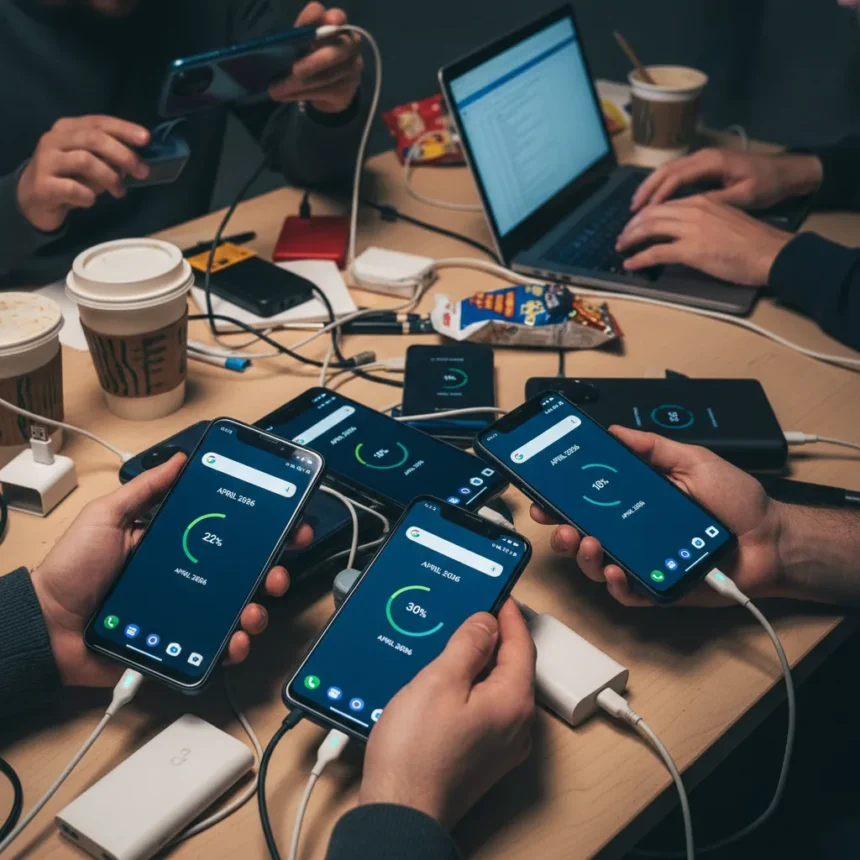
Pixel battery drain after the April 2026 security update has become a widespread crisis affecting Pixel owners across multiple generations, with some users reporting they need to charge their phones two to three times daily. What was supposed to be a routine cleanup patch for Android 16—fixing banking app crashes and system instabilities—has instead introduced severe battery depletion, overheating, and rapid idle drain that renders phones nearly unusable.
Key Takeaways
- April 2026 security update triggered severe battery drain affecting Pixel 6 through Pixel 10 models
- Users report 20–30% battery loss per hour even when phones sit idle on a desk
- Google Play Services bug forcing system_server to 100% CPU usage blocks Deep Doze power-saving mode
- Google acknowledged the issue on its Issue Tracker as top-priority but has not released a full fix
- Temporary workarounds exist but require disabling 5G and background scanning, impacting phone speed
How severe is the Pixel battery drain April 2026 problem?
The Pixel battery drain April 2026 update has escalated from an inconvenience to a critical usability issue. Users across Reddit, Google’s Pixel Community, and official support forums report losing 20–30% of their battery per hour even when their phones sit untouched on a desk. One Pixel 9 owner stated their battery output dropped to half capacity after the update, while Pixel 6 series owners complained the April patch made their experience significantly worse. The problem affects a wide range of devices—Pixel 6, 7, and 10 Pro XL models are hit hardest, but the issue extends to mid-range phones like the Pixel 7a.
What makes this particularly frustrating is the timing. The April update was meant to be a stabilization patch, not a feature release. Instead, it compounded problems that originated or worsened with the March 2026 Pixel Drop, which added Circle to Search improvements, Magic Cue, and Now Playing widget upgrades. Users who accepted both updates found themselves trapped: the fixes in April did not resolve the drain, and rolling back is not a practical option for most people.
What’s actually causing the battery drain?
Community investigation has zeroed in on a Google Play Services bug as the likely culprit. The issue forces the system_server process to run at 100% CPU usage continuously, preventing Android’s Deep Doze mode from activating. Deep Doze is Android’s idle power-saving state that halts background activity and dramatically reduces battery consumption when a phone sits unused. When that mechanism fails, the phone continues burning power even when you are not using it. Google has acknowledged the issue on its Issue Tracker as top-priority, but the company has not officially confirmed this root cause or released a comprehensive fix.


The distinction matters. A system_server bug is a software problem that can theoretically be patched. A hardware defect would be far more serious. The fact that the drain correlates with a specific update—rather than occurring randomly across devices—strongly suggests a software origin. However, without official confirmation from Google, users remain in limbo, unable to know whether a future patch will resolve the problem or whether they are dealing with a deeper architectural issue.
What temporary fixes are users trying?
While Google works on a permanent solution, community members have identified workarounds that provide partial relief, though each comes with trade-offs. Switching your preferred network from 5G to LTE reduces battery drain noticeably but slows data speeds. Disabling Wi-Fi and Bluetooth background scanning also helps, but you lose the convenience of automatic connectivity and discovery features. Neither workaround is ideal—they are survival tactics, not solutions.



These temporary measures underscore how frustrating the situation has become. Users are essentially being asked to choose between battery life and phone functionality. A Pixel 6 owner cannot simply accept the April update and expect their phone to work normally; they must actively degrade its capabilities to make it last a full day. This is precisely the kind of user experience that erodes trust in a platform, especially when the issue stems from Google’s own software rather than a third-party app or carrier issue.
When will Google fix the Pixel battery drain April 2026 issue?
Google has not announced a specific timeline for a full fix. The company acknowledged the problem on its Issue Tracker and marked it as top-priority, but that does not guarantee a rapid resolution. Software bugs of this magnitude—affecting millions of devices and blocking core power-saving functionality—typically require careful testing before deployment to avoid introducing new problems. A hasty patch could create additional issues, but prolonged silence leaves users stranded.
The April update itself was supposed to be a fix. It failed. That failure raises legitimate questions about Google’s testing procedures and whether the company validated the April patch against the March changes before rolling it out. Users who trusted Google to deliver stable updates are now paying the battery drain penalty, and the company’s credibility on this front has taken a hit.
Is there a way to avoid the Pixel battery drain April 2026 after updating?
If you have not yet installed the April 2026 security update, you face an uncomfortable choice. Staying on the March version leaves you without the latest security patches, which exposes your phone to potential vulnerabilities. Installing the update triggers the battery drain problem. There is no perfect option. Most security experts would advise installing the update anyway and applying the temporary workarounds, since security holes can be exploited immediately while battery drain is merely inconvenient—though severely so.



Should I switch to a different phone because of Pixel battery drain?
Switching phones over a software bug would be premature, but the Pixel battery drain April 2026 situation is severe enough that it deserves serious consideration if you rely on your phone for work or travel. Other Android devices from Samsung, OnePlus, and others have not reported similar issues with their April updates, which suggests this is specific to Google’s implementation rather than a platform-wide Android problem. If you can afford to wait a few weeks for a fix, staying put makes sense. If you cannot tolerate the current drain, alternatives exist, though switching means losing Pixel-exclusive features like advanced computational photography and direct Android updates.
Will the May 2026 Pixel Drop fix the battery drain?
Google has not confirmed whether the next Pixel Drop or security update will address the battery drain. The May update schedule is not yet public. Given that the April patch failed to resolve the March-era drain, users should not assume the next update will fix it automatically. The safest approach is to wait for official communication from Google or community reports confirming a fix before installing any new updates.
The Pixel battery drain April 2026 crisis is a stark reminder that even mature platforms stumble when updates introduce unforeseen interactions. Google’s Pixel phones are excellent devices, but this incident has exposed a gap between the company’s testing standards and real-world complexity. Users who bought Pixel phones for their reliability and software polish now find themselves managing workarounds and rationing battery life. Until Google delivers a full fix, the April update remains a cautionary tale about the risks of automatic updates—and the importance of thorough validation before pushing patches to millions of devices.
Edited by the All Things Geek team.
Source: Android Central