





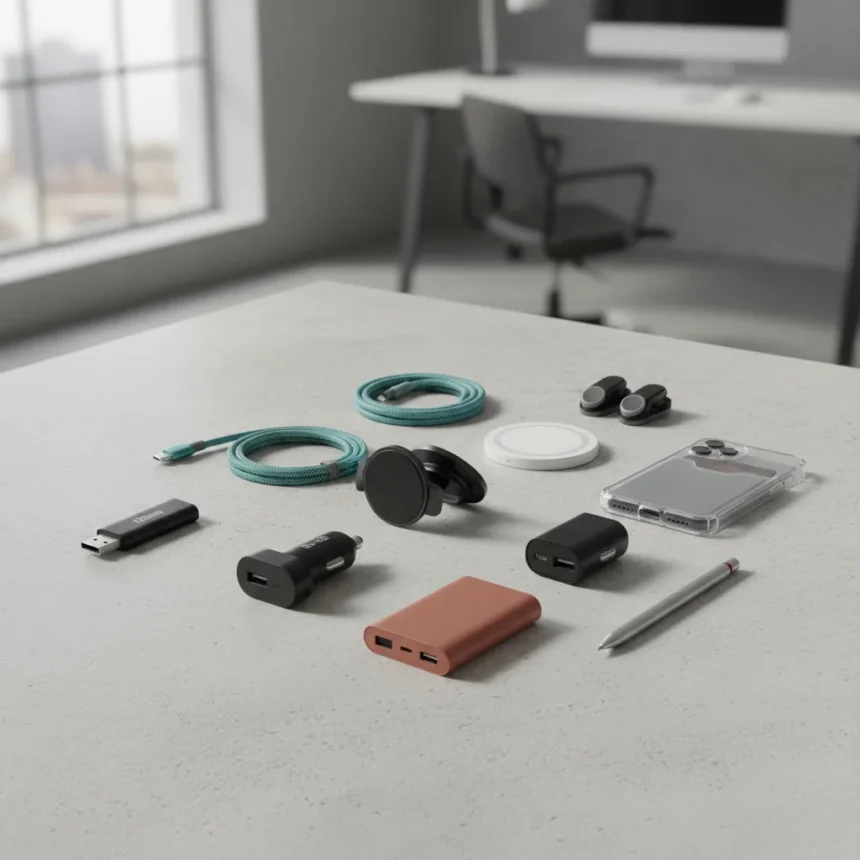
iPhone accessories under $20 don’t have to be gimmicks. The best ones solve actual problems—freeing up storage, charging faster, mounting securely in your car, or adding gaming controls—without the premium price tag. Right now, during Prime Day sales, nine standout accessories deliver genuine value, with some dropping as low as $7 to $10.
Key Takeaways
- Nine tested iPhone accessories all priced under $20, with Prime Day deals starting at $7–$10.
- MagSafe ecosystem dominates: wireless chargers, car mounts, and water bottle holders leverage magnetic compatibility.
- Storage solution: PNY 128GB flash drive lets you copy photos and videos off your phone to reclaim space.
- Charging variety: Power banks, car chargers, and wireless chargers cover every scenario from commute to desk.
- Gaming and key organization round out the list with practical, non-obvious upgrades.
iPhone accessories under $20: Where to start
The smart approach to iPhone accessories isn’t buying everything—it’s buying the one thing that fixes your biggest frustration. For many people, that’s storage. The PNY 128GB Elite-X Type-C USB 3.2 Gen 1 flash drive copies photos and videos directly from your iPhone, freeing up gigabytes of space without relying on cloud subscriptions. Plug it in, transfer, done. This is the kind of accessory that pays for itself the first time your phone runs out of storage mid-trip.
If key organization matters more than tracking, the KeySmart iPro combines both. It organizes your physical keys while adding tracker functionality, eliminating the need to choose between an AirTag and a key holder—this accessory is both. That’s the philosophy behind every item on this list: solve two problems at once, or solve one problem really well.
MagSafe changes the accessory game
MagSafe compatibility has quietly become the most useful feature in iPhone accessories under $20. The Well & Body Insulated Magnetic Water Bottle demonstrates this perfectly: it’s a water bottle that doubles as a phone stand via MagSafe, giving you a stable holder for video calls or content creation without buying a separate mount. The InfinaCore T3 3-in-1 MagSafe wireless charger folds for storage or stands upright on your desk, charging your iPhone, AirPods, and an Apple Watch simultaneously.


The Lisen MagSafe car mount replaces flimsy suction-cup mounts with strong suction power and magnetic connection, meaning your phone stays put even on rough roads. Compared to older suction-mount designs that lose grip over time, MagSafe mounts simply work—and they work for years. This is where the accessory market has genuinely improved.
Charging solutions for every situation
No single charger fits every scenario. The Lisen 4-in-1 Retractable Car Charger integrates Lightning and USB-C cables that retract into the unit itself, eliminating cable clutter and delivering up to 69W charging speeds. For your desk, the InfinaCore T3 handles multiple devices simultaneously. For your bag, the Anker Zolo Magnetic 10,000 mAh Power Bank recharges most phones twice over and uses magnetic connection to enable StandBy mode on your iPhone while charging, turning a power bank into a functional stand.


The redundancy here is intentional. A car charger isn’t useful at your desk. A desk charger doesn’t fit in your pocket. Buying one charger for each environment, all under $20, costs less than a single premium multi-device charging station. You end up with better coverage and less frustration.
Gaming and the accessories you forget about
The 8Bitdo Lite 2 Bluetooth Gamepad isn’t flashy, but it transforms mobile gaming. Most iPhone games default to on-screen controls that cover half your screen—a physical gamepad reclaims that real estate and makes games like action titles actually playable on your phone. If you game on your iPhone even occasionally, this single accessory changes how often you reach for your phone versus a console.
These are the accessories that don’t make headlines but quietly improve daily life. A gamepad sits in a drawer until you need it. A retractable car charger eliminates one more thing cluttering your center console. A flash drive solves a storage crisis in 30 seconds. None of them are revolutionary. All of them work.
Should I buy all 9 accessories at once?
No. Start with your biggest pain point. If storage is full, grab the flash drive. If you’re always hunting for a car mount, get the Lisen. If you charge multiple devices daily, pick the InfinaCore. The beauty of this price range is that you can add accessories incrementally without guilt—even buying three at once stays well under the cost of a single premium alternative.



Are MagSafe accessories worth the premium over regular mounts?
MagSafe adds $2–$5 to the cost of most mounts and chargers compared to non-magnetic versions, but that premium pays back in reliability. Magnetic connection is faster to attach and detach, doesn’t weaken over time like adhesive mounts, and works across the entire ecosystem. If you already own MagSafe-compatible accessories, the ecosystem becomes more valuable with each addition.
Can these accessories actually replace premium alternatives?
Not always, but often enough to matter. A $15 MagSafe car mount won’t have the premium build quality of a $50 mount, but it will hold your phone safely. A $10 power bank won’t charge as fast as a $50 model, but it will charge your phone twice. These accessories don’t compete on luxury—they compete on solving the problem for less money, and they win that argument consistently.
The real opportunity here is Prime Day pricing. These accessories are already affordable, but during sales events, you’re looking at $7–$10 entry points for items that normally cost $15–$20. That’s when the math becomes absurd—you’re upgrading your iPhone experience for the cost of two coffees. The question isn’t whether these accessories are worth $20. It’s whether you can afford not to grab them at $10.
Where to Buy
PopSockets Phone grip with MagSafe: | Anker Zolo Magnetic Wireless Charger: | Lisen Ultra Slim MagSafe Power Bank: | TOCOL Screen Protector for iPhone 17 Pro: | ESR MagSafe Wallet:
Edited by the All Things Geek team.
Source: Tom's Guide




