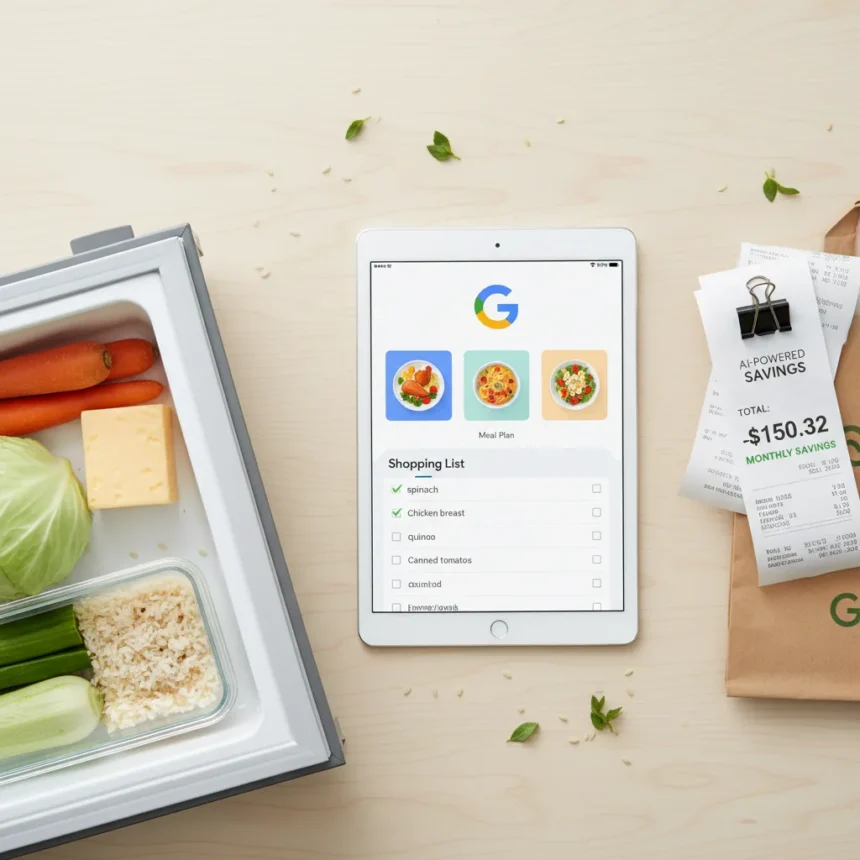
Google Gemini meal planning is an AI-powered approach to reducing food waste and grocery costs by scanning photos of your existing ingredients and generating customized meal plans. One user reported saving $150 in a single month by using Gemini to inventory a messy fridge, freezer, and pantry, then building a meal strategy around what they already owned.
Key Takeaways
- Google Gemini meal planning uses image recognition to identify pantry items from messy photos.
- AI generates tailored meal plans and shopping lists based on existing ingredients and eating habits.
- One user saved $150 monthly by reducing waste, avoiding duplicate purchases, and cutting impulse buys.
- Gemini adjusts plans for weekly schedule changes, dietary preferences, and meal prep needs.
- The service is free and accessible via the Gemini app on Android and iOS.
How Google Gemini Meal Planning Works
Google Gemini meal planning starts with a simple snapshot. Take clear photos of your fridge, freezer, and pantry—messiness doesn’t matter. Upload these images to Gemini, and the AI scans and identifies specific items: cans of beans, frozen vegetables, half-used bags of rice, frozen chicken breasts, and other staples you might overlook. This inventory step alone eliminates the manual work of listing every item and reminds you of forgotten stock gathering dust in the back.
Once Gemini has catalogued your ingredients, you add preferences. Tell the AI about your dietary goals, how many people you’re cooking for, meals per day, and any schedule constraints. The system then generates an organized meal plan tailored to what you have on hand. The result is a shopping list that merges duplicates, sorts items by store aisle (dairy, produce, meat), and cross-references your existing inventory to avoid buying extras you don’t need.
Why Google Gemini Meal Planning Saves Money
The $150 monthly savings reported by one user came from three direct sources: reduced food waste, eliminated duplicate purchases, and fewer impulse buys. By inventorying what’s already in your kitchen, you stop buying items you forgot you had. By planning meals around existing ingredients, you reduce the amount of food that spoils before you use it. And by arriving at the store with a Gemini-generated list, you avoid wandering aimlessly through aisles and grabbing things you don’t need.



Google Gemini meal planning also cuts down on multiple store trips. Instead of visiting the grocery store several times a week because you forgot items or discovered mid-meal that you’re missing a key ingredient, one organized list means fewer visits and less opportunity for extra spending. Time savings add up too—no more manually comparing what you have against recipes or spending hours planning meals from scratch.
Adapting Plans for Real Life
Flexibility is built into Google Gemini meal planning. If your schedule shifts—a busy week with soccer games, a meal-prep day coming up, or a sudden craving to try something new—you tell Gemini and the AI revises your meal plan and shopping list accordingly. You can flag items that are too expensive or hard to find, adjust portion sizes, or shift meals around based on your energy levels or training schedule. This responsiveness means the AI doesn’t lock you into a rigid plan that falls apart when life happens.



For households with specific dietary needs, Gemini adjusts for those too. You can specify that you want to eat vegetables and protein before starches to manage blood sugar, or request meal structures that work for a family of four with bulk ingredients like chicken thighs, Italian sausage, pork chops, and ground beef. The AI builds a complete 5-day plan with side dishes and recipes, all based on ingredients you provide.
Google Gemini Meal Planning vs. Manual Methods
Traditional meal planning requires you to open your fridge, mentally inventory items, cross-reference recipes, and manually build a shopping list. It’s tedious, prone to error, and often results in either forgotten items or duplicate buys. Google Gemini meal planning eliminates these friction points by automating the inventory and matching step. You don’t need to remember what’s in the back of your freezer or mentally calculate whether you have enough rice for the week—the AI does that work.
Compared to aimless aisle wandering and multiple store trips, Gemini’s organized, ingredient-based approach is objectively faster and cheaper. The AI pairs naturally with grocery store apps for price tracking and tools like Google Keep for list management, creating a complete ecosystem rather than scattered tools.
Is Google Gemini Meal Planning Actually Free?
Yes. Google Gemini meal planning is free, making it one of the lowest-friction ways to start reducing grocery waste and costs. There are no premium tiers, paywalls, or hidden charges. You access it through the Gemini app on Android or iOS, tap the camera icon, snap a photo of your fridge or pantry, and start planning.


Can Gemini accurately identify all my fridge items?
Gemini uses advanced image recognition to identify common pantry staples, frozen items, and canned goods accurately. Photo quality and lighting matter—clearer images yield better results. The AI may occasionally misidentify items or miss very small or obscured objects, so reviewing its inventory list before finalizing your meal plan is wise.
How much can I realistically save with Google Gemini meal planning?
Savings depend on your current grocery habits, food waste levels, and impulse-buying patterns. The reported $150 monthly savings is one user’s result and reflects their specific situation. You’ll likely see the biggest impact if you currently waste food, make multiple store trips, or struggle with unplanned purchases. Even modest reductions in waste and duplicate buys add up quickly.
Google Gemini meal planning works because it removes friction from the most wasteful part of grocery shopping: the gap between what you have and what you buy. By making that gap visible and bridging it automatically, the AI pays for itself in reduced waste within weeks. For anyone tired of throwing out forgotten vegetables or buying the same ingredients twice, it’s worth a try—and it costs nothing to start.
Edited by the All Things Geek team.
Source: Tom's Guide