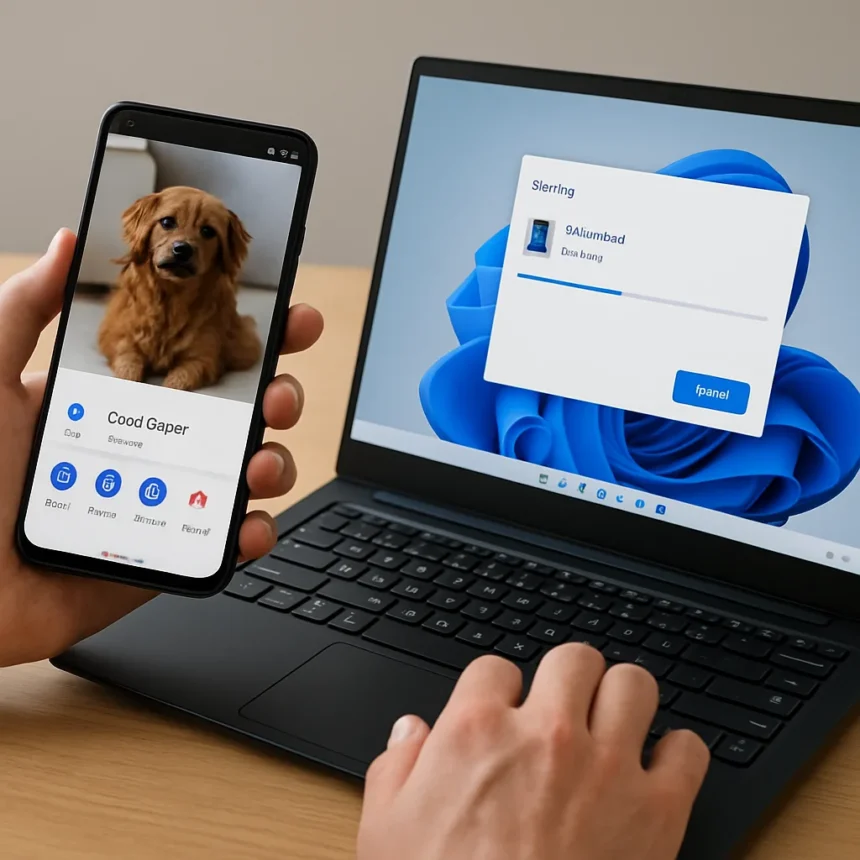
Quick Share on Windows is a file-transfer utility that lets you send files wirelessly between an Android phone and a Windows PC. Many users don’t realize the feature exists on the Windows side—it’s buried in settings—but once discovered, it simplifies Android-to-Windows transfers dramatically compared to older methods like USB cables or cloud uploads.
Key Takeaways
- Quick Share on Windows enables wireless file transfers between Android and Windows without cables or cloud storage.
- Microsoft’s Phone Link offers native integration but requires specific app versions: Phone Link 1.24032.156.0 or later on PC, Link to Windows 1.24032.518.0 or higher on Android.
- Google’s Nearby Share for Windows is an official alternative that includes transfer progress display and image preview notifications.
- Phone Link sharing was initially limited to Windows Insider Program members in the Release Preview Channel before wider rollout.
- Quick Share eliminates the need for USB file transfer, cloud services, or workarounds for cross-device sharing.
Why Quick Share on Windows Matters Right Now
Android-to-Windows file sharing has been a friction point for years. Users either plugged in a USB cable, uploaded files to the cloud, or relied on third-party apps. Quick Share changes that equation by offering a native, wireless alternative built into Windows. The discovery that the feature exists—and works well—addresses a real pain point that Android users on Windows PCs have faced since the ecosystem fragmentation began.
The timing matters because both Google and Microsoft have been racing to close the gap with Apple’s seamless AirDrop experience. Microsoft’s Phone Link sharing feature, built into the Phone Link app and paired with the Link to Windows app on Android, aims to rival AirDrop for Android-PC transfers. Google released Nearby Share for Windows officially after a beta period, adding a transfer progress display and image preview notification in its release version. Quick Share sits alongside these tools as a practical, immediate solution that doesn’t require waiting for platform-wide rollouts or beta access.
Quick Share on Windows vs. Microsoft’s Phone Link
Microsoft’s Phone Link sharing feature offers deep Windows integration—you can right-click a file in File Explorer, choose Share, and select Phone Link as the destination. On the Android side, you tap a file, tap Share, choose Link to Windows, and select your PC’s name. It’s native and elegant. But there’s a catch: the feature was initially available only to Windows Insider Program members in the Release Preview Channel, with broader availability expected later. That gatekeeping created a window where Quick Share became the faster workaround for mainstream users who couldn’t access Phone Link yet.


Quick Share on Windows sidesteps this availability problem entirely. It doesn’t require beta participation or waiting for staged rollouts. For users who need wireless file transfer today, not next quarter, Quick Share delivers. The trade-off is that Phone Link offers tighter OS-level integration once it reaches full availability—but integration means nothing if you can’t access it.
How Quick Share on Windows Compares to Nearby Share
Google’s Nearby Share for Windows is the other native competitor in this space. Like Quick Share, it’s designed specifically for Android-Windows transfers and includes thoughtful features like transfer progress display and image preview notifications. Both tools aim to eliminate the cable-and-cloud workaround cycle that has plagued cross-platform file sharing.



The key difference is discoverability. Quick Share’s existence on the Windows side is not obvious—many users don’t know it’s there until they stumble across it or read an article like this. Nearby Share, as a Google product, benefits from Google’s marketing reach and integration into the broader Android ecosystem. But both solve the same fundamental problem: wireless, direct file transfer between Android and Windows without intermediaries. Your choice between them often comes down to which ecosystem you trust more and which tool you discover first.
Should You Use Quick Share on Windows?
Yes, if you transfer files between Android and Windows regularly and haven’t yet accessed Microsoft’s Phone Link feature. Quick Share eliminates the friction of USB cables, cloud uploads, and email-to-yourself workarounds. It’s fast, native, and available now. The learning curve is minimal—once you know the feature exists, using it becomes second nature.
If you’re already using Phone Link and it works for you, there’s no urgent reason to switch. But if you’re on a standard Windows installation without Insider access and you’re tired of dragging files through cloud storage or email, Quick Share is worth exploring. It represents the direction Android-Windows integration is heading: seamless, wireless, and built into the OS.
Is Quick Share on Windows free to use?
Yes. Quick Share is built into Windows and requires no subscription or payment. It’s a native feature, not a premium add-on or freemium service. You simply enable it and start transferring files.



Can you use Quick Share on Windows with any Android phone?
Quick Share works with Android phones that support the feature. Compatibility depends on your Android version and device manufacturer, but the tool is designed to work across the Android ecosystem without requiring specific hardware or carrier partnerships.
How does Quick Share on Windows compare to plugging in a USB cable?
Quick Share eliminates the cable entirely. No USB port hunting, no driver installation, no physical connection required. Wireless transfer is faster for most users because it removes the setup friction. The trade-off is that USB cables transfer at higher speeds for very large files, but for typical day-to-day file sharing—documents, photos, small media—Quick Share on Windows is dramatically more convenient.
The real victory here is that Android users on Windows finally have a native, built-in way to share files wirelessly without resorting to cloud storage, email, or third-party apps. Quick Share on Windows isn’t revolutionary, but it solves a problem that’s been annoying for years. Once you know it exists, you’ll wonder why it wasn’t more obvious from the start.
Edited by the All Things Geek team.
Source: Android Central