





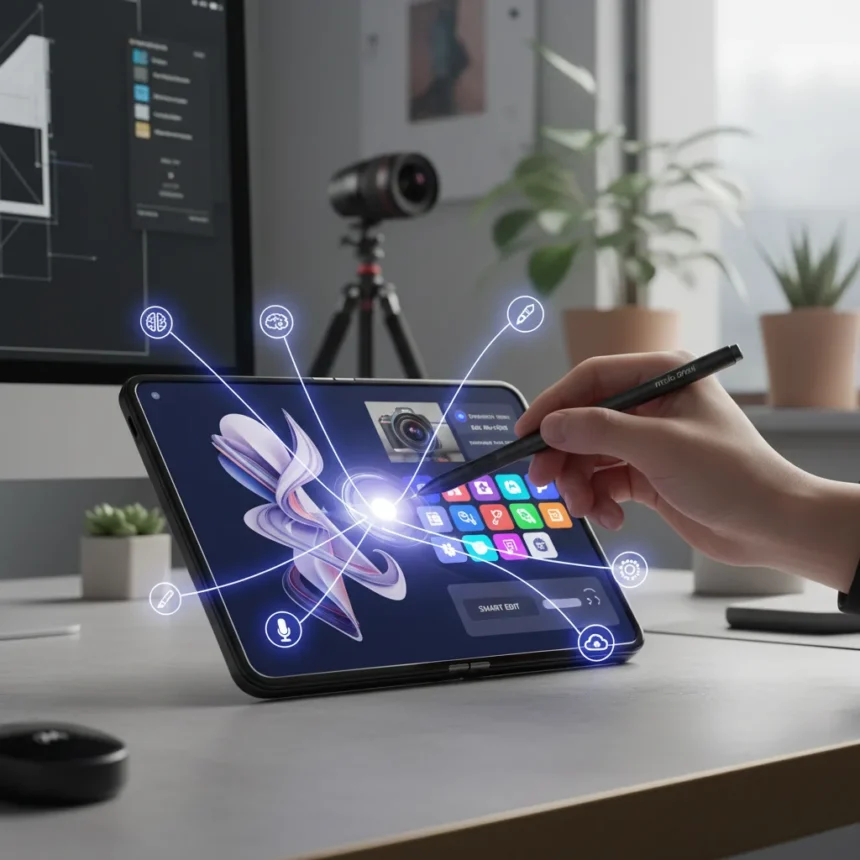
The Moto Pen Ultra is an optional active stylus accessory for the Motorola Razr Fold that transforms the foldable into a genuine productivity and creativity device. Priced at $99, this Bluetooth-enabled pen delivers pressure sensitivity, tilt detection, and palm rejection—making it Motorola’s answer to Samsung’s S Pen. Unlike passive styluses, the Moto Pen Ultra opens up six distinct workflows that justify the investment for creative professionals and note-takers.
Key Takeaways
- The Moto Pen Ultra costs $99 and requires Bluetooth pairing with the Razr Fold
- It supports pressure-sensitive drawing, handwriting input, and AI-assisted image generation
- The pen lasts three hours per charge; its fabric case provides 27 additional hours of battery
- Circle to Search and Sketch to Image features integrate smoothly with the stylus
- The Razr Fold gains a stylus advantage Samsung removed from the Galaxy Z Fold 7
Pressure-Sensitive Drawing and Handwriting Recognition
The Moto Pen Ultra’s pressure sensitivity and tilt detection make it ideal for sketching and digital note-taking on the Razr Fold’s expansive inner display. The pen recognizes subtle pressure variations, allowing artists and designers to create detailed illustrations with natural line weight variation. Handwriting recognition converts your cursive directly into typed text within any text field, eliminating the need to switch between stylus and keyboard. This feature alone saves time during meetings, lectures, or rapid brainstorming sessions where capturing thoughts quickly matters more than perfect typing.
AI-Powered Sketch to Image Generation
One of the most compelling uses for the Moto Pen Ultra is Motorola’s Sketch to Image feature, which uses AI to transform rough sketches into polished images. Draw a quick concept—a landscape, a character, an object—and the system cleans up your lines and generates a finished visual. The Notes app integrates this Moto AI functionality directly, allowing you to sketch and generate images without leaving the application. This bridges the gap between rough ideation and presentable output, making it valuable for designers, marketers, and anyone who thinks visually. The feature works best when paired with the Razr Fold’s Laptop Mode, which props the device at a comfortable angle for extended drawing sessions.
Remote Camera Control and Quick Annotations
The Moto Pen Ultra’s side button functions as a customizable remote shutter for the Razr Fold’s camera. Press and hold the button to activate Circle to Search, letting you highlight anything on screen and instantly search for it. Beyond search, the stylus excels at screen annotation—mark up screenshots, PDFs, or images with notes and drawings without switching tools. The floating pen menu provides instant access to actions like opening a new note or adding annotations to existing content. Quick Clip lets you highlight text and create a new note or add to an existing one in seconds.


Seamless App-to-App Workflows
The Moto Pen Ultra enables drag-and-drop functionality between apps, streamlining multitasking on the Razr Fold’s foldable display. Drag sketches from Notes into email, pull images from your gallery into a document, or move text snippets between applications without lifting your hand. Speed Share suggests who to send your notes or annotations to, accelerating collaboration. These workflows feel natural on the Razr Fold because the larger inner display provides ample space for two-handed interaction. When you unfold the device into Desk Mode, the stylus becomes even more practical for extended work sessions where a traditional computer setup would normally be required.
Battery Life and Charging Convenience
The Moto Pen Ultra delivers up to three hours of active use on a single charge. That may sound brief, but for most daily tasks—sketching, annotating, taking notes—three hours covers a typical workday without interruption. The fabric charging case is where the real advantage emerges: it adds 27 additional hours of battery life, meaning the pen stays usable for nearly a week between full recharges. The well-upholstered case also protects the stylus during transport and doubles as a charging dock, eliminating the need for a separate cable or power adapter.



How does the Moto Pen Ultra compare to Samsung’s S Pen?
The Moto Pen Ultra mirrors the S Pen’s core capabilities—pressure sensitivity, Bluetooth connectivity, and integration with AI features like Sketch to Image. The key difference is availability: Samsung removed S Pen support entirely from the Galaxy Z Fold 7, making the Razr Fold the only current foldable flagship with native stylus functionality. This gives Motorola a genuine competitive advantage for stylus-dependent workflows.
Is the Moto Pen Ultra worth the $99 investment?
If you use the Razr Fold primarily for browsing and messaging, the stylus is unnecessary. But if you sketch, take handwritten notes, annotate documents, or use the foldable as a creative tool, the Moto Pen Ultra justifies its cost through the time it saves and the workflows it enables. The fabric charging case’s extended battery life means you won’t be tethered to a charger during travel.
The Moto Pen Ultra transforms the Razr Fold from a novelty foldable into a genuine alternative to traditional laptops and tablets for creative work. Its six primary use cases—drawing, handwriting, AI sketching, camera control, annotation, and app integration—collectively address real productivity gaps that stylus-less phones cannot fill. At $99, it is an optional purchase, but for the right user, it becomes indispensable.
Where to Buy



Edited by the All Things Geek team.
Source: Android Central




