





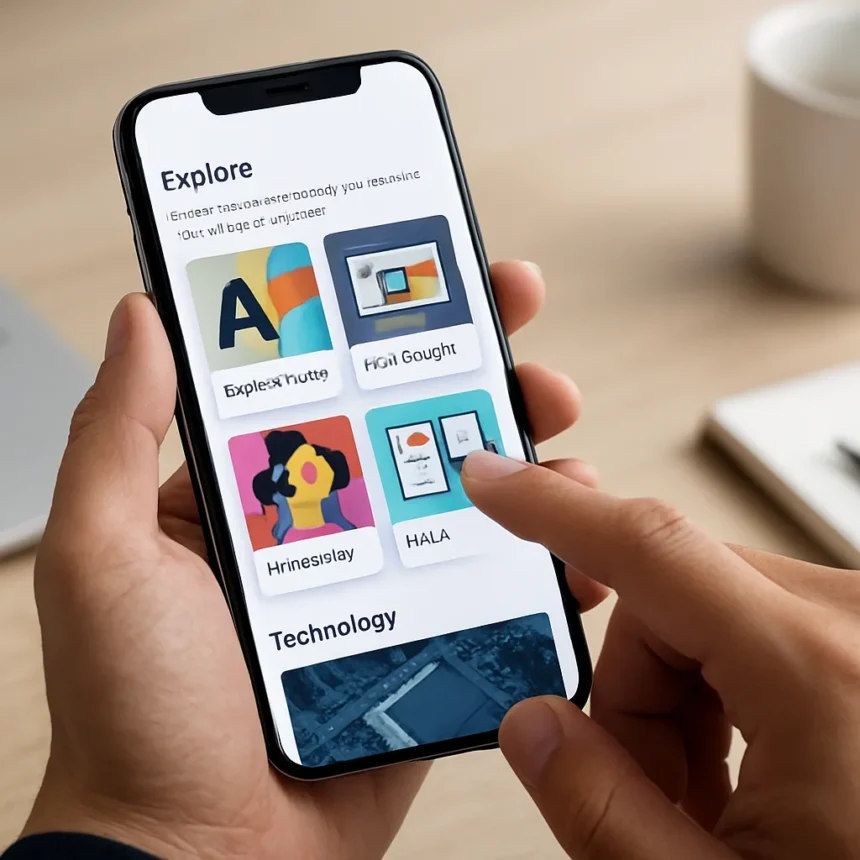
The Creative Bloq app just got a meaningful upgrade that addresses how designers and creatives actually hunt for inspiration. The new Explore section transforms the Creative Bloq app from a passive reading tool into a topic-driven discovery platform where you can follow your favourite subjects. This matters because content apps often bury personalization features—here, Creative Bloq put it front and center.
Key Takeaways
- Creative Bloq app now includes an Explore section for topic-based following
- Users can customize their content feed around favourite design and creative topics
- The update makes the app more personalized and discovery-focused
- Creative Bloq provides daily inspiration, expert tips, and tutorials for creatives
- The feature sits within Creative Bloq’s broader app design coverage
What the Explore Section Actually Does
The Explore section fundamentally changes how you interact with Creative Bloq’s content library. Instead of scrolling through a generic feed, you now select topics that matter to your work—whether that’s web design, typography, illustration, or UX principles—and the app learns what to show you. This is straightforward personalization, but it’s the kind that actually works because it respects user intent rather than burying preferences three menus deep.
Creative Bloq describes itself as providing daily inspiration for creative people, covering fresh thinking, expert tips and tutorials. The Explore section directly supports that mission by letting you filter that vast library down to what’s relevant to your current project or learning goals. A web designer can focus on interface trends; an illustrator can zero in on technique breakdowns. The app stops being a general creative publication and starts being your personalized creative resource.
Why This Update Matters for Your Workflow
App design coverage has historically treated personalization as a nice-to-have feature. Creative Bloq’s choice to lead with the Explore section signals something different: the company recognizes that creatives are drowning in content. The update cuts through noise by letting you decide what signal matters. For professionals juggling multiple projects, that’s genuinely useful—you’re not scrolling past irrelevant articles to find the one piece about your current challenge.


The timing also reflects a broader shift in how creative tools work. Apps that succeed now are the ones that respect your time and attention. A feature that saves you five minutes per session adds up to hours per month. That’s not a minor improvement; that’s the difference between an app you check daily and one you abandon.
How Creative Bloq App Compares to Other Design Resources
Most design inspiration apps rely on algorithms or trending content to populate your feed. Creative Bloq’s approach—letting you manually follow topics—sits somewhere between algorithmic and curated. It’s more transparent than a black-box algorithm but requires more upfront effort than a fully automated recommendation system. The trade-off works if you know what you’re looking for, which most professionals do. A designer searching for UI inspiration knows exactly what topics matter; the app just needs to deliver on that preference without forcing you to dig through settings.



The Explore section also avoids the common trap of over-personalization, where an app becomes so narrow that you miss serendipitous discoveries. By following topics rather than individual articles or creators, you stay exposed to fresh perspectives within your chosen areas of interest. That’s smarter than pure algorithmic filtering, which can trap users in echo chambers of their own preferences.
Is the Creative Bloq App Worth Using Now?
If you’re a designer, illustrator, animator, or any creative professional who benefits from regular inspiration and expert guidance, the updated Creative Bloq app is worth installing. The Explore section removes the friction that made the old version feel generic. You’re no longer scrolling past irrelevant content to find what matters to your work. The app now respects your time by letting you define your own content diet.
The update also signals that Creative Bloq is listening to how creatives actually use design apps. Rather than chasing algorithmic complexity, the company leaned into straightforward personalization. That’s refreshing in a market where many apps overcomplicate their interfaces.
How do I use the Explore section in the Creative Bloq app?
The Explore section lets you follow your favourite design and creative topics directly within the app. Once you select topics that align with your work—whether web design, typography, illustration, or other specialties—the app prioritizes content related to those subjects in your feed. The feature is designed to make content discovery faster and more relevant to your specific interests.



Is the Creative Bloq app free?
The research brief does not specify pricing details for the Creative Bloq app. Check the app store listing for your device to confirm availability and any associated costs before downloading.
What kind of content does Creative Bloq cover?
Creative Bloq provides daily inspiration for creative professionals, including fresh thinking, expert tips, and tutorials across design disciplines. The Explore section now lets you filter this content by your favourite topics, making it easier to find guidance relevant to your current projects and learning goals.
The Creative Bloq app update proves that sometimes the best feature improvements are the simplest ones. By adding the Explore section, Creative Bloq solved a real problem: how to make a large content library feel personal and navigable. For creatives tired of generic feeds, this update finally makes the app worth opening every day.
Edited by the All Things Geek team.
Source: Creativebloq




