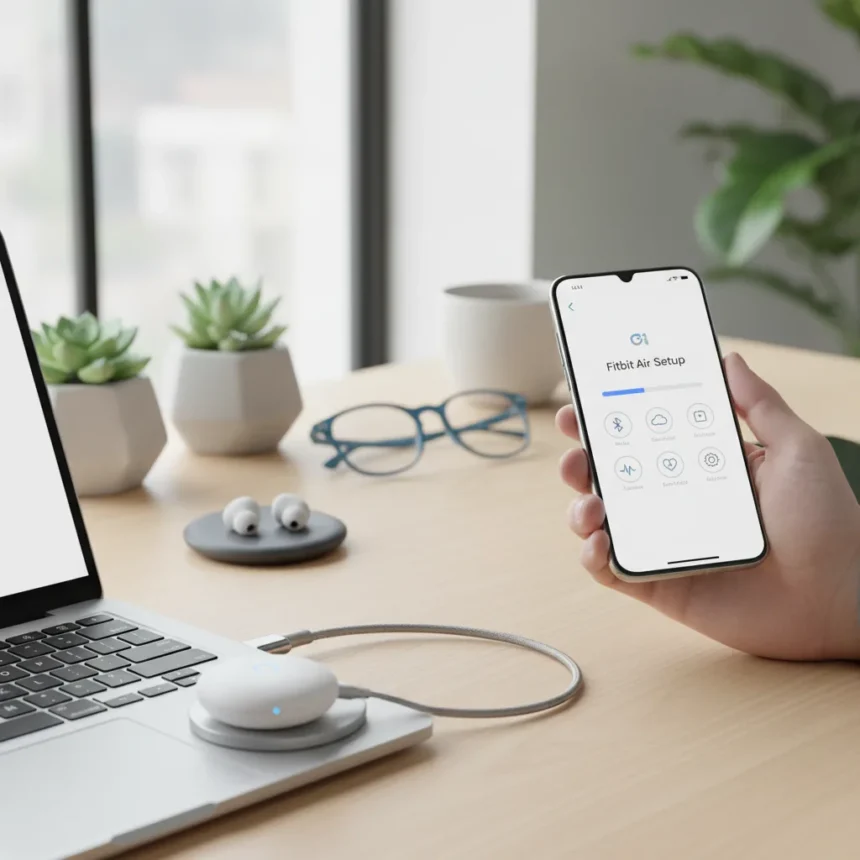
The Google Fitbit Air is a screenless fitness tracker made by Google, launching on May 25 at $99.99, available for iOS 16.4 or higher and Android 11 or newer. Unlike most wearables, it has no display — there’s nothing to tap or swipe. Everything happens in the Google Health app on your phone, which means setup choices you make in the first few days will define how useful the device actually becomes. Get those choices wrong and you’ll end up with patchy data and a cluttered dashboard you never look at.
Key Takeaways
- The Google Fitbit Air starts at $99.99 and officially hits store shelves on May 25.
- It has no screen — all health data is viewed through the Google Health app on a companion phone.
- Sensors include optical heart rate, SpO2, a temperature sensor, accelerometer, and gyroscope.
- It works with both iPhones and Android phones, and can run alongside a Pixel Watch in the same app.
- Preorder trade-in deals can reduce the price significantly — up to $50 off with an eligible Fitbit Versa 3.
What Makes the Google Fitbit Air Different From Other Wearables
The Google Fitbit Air sits in a niche occupied mainly by Whoop — screenless, passive, and built for people who want health data without the distraction of a smartwatch. No GPS is built in, so the device leans on your phone for location-based tracking. What it does track on its own is substantial: heart rate, SpO2 via red and infrared sensors, skin temperature, heart-rate variability, cardio load, steps, distance, and calories burned.
Compared to Whoop, the Fitbit Air’s $99.99 entry price is a meaningful difference — Whoop operates on a subscription model that adds ongoing cost. The Fitbit Air is a one-time purchase, and it works across both iPhone and Android ecosystems rather than being locked to one platform. For existing Google users, it also pairs with a Pixel Watch simultaneously inside the Google Health app, with device filtering to keep data streams separate. That’s a genuinely useful feature for anyone who wants passive overnight tracking from the Air while using a Pixel Watch during the day.
Start Wearing the Google Fitbit Air Immediately — and Don’t Stop
The single most important thing to do with the Fitbit Air is wear it constantly. The device builds its health picture from continuous data. Leave it on your nightstand for a few days and Fitbit will leave health fields blank — gaps that can’t be filled retroactively. Sleep tracking, heart-rate variability baselines, and cardio load calculations all depend on uninterrupted wear.


This is where the screenless, low-profile design actually earns its keep. There’s no chunky display to snag on bedding or make sleeping uncomfortable. Wear it in the shower, wear it to bed, keep it on during workouts. The more data it collects, the more useful the insights in the Google Health app become.
Customize Your Dashboard and Sync With Third-Party Apps
Once the device is paired, the Google Health app’s Focus area lets you reorder widgets and toggle off metrics you don’t plan to track manually. If you’re not logging meals, hide the nutrition widget. If weight isn’t a priority, remove it. A clean dashboard you actually check beats a comprehensive one you ignore.



Syncing with third-party apps is worth doing early. Strava users can connect at strava.fitbit.com to push workout data directly. Android users get more options through Health Connect, which can bridge Fitbit data to Google Fit, Samsung Health, Oura, and Peloton, among others. If you own a Withings smart scale, the integration at fitbit.com/weight/withings sends weigh-ins and body fat percentages straight into the Fitbit app. Setting these connections up at the start means your data ecosystem is complete from day one rather than needing to be backfilled.
Set Your Daily Activity Goals Properly
The Daily Activity tab deserves attention before you start treating the app’s defaults as gospel. From there, you can adjust daily step targets, distance goals, and weekly Active Zone Minutes. The defaults are generic — they’re not calibrated to your fitness level or lifestyle. Spending five minutes setting realistic targets means the app’s progress tracking will actually mean something, rather than congratulating a sedentary day or underwhelming an active one.
Is the Google Fitbit Air worth buying at $99.99?
For anyone who wants passive, always-on health monitoring without smartwatch bulk, the Fitbit Air makes a strong case at $99.99. It’s not trying to replace a Pixel Watch or an Apple Watch — it’s a complement to them, or a low-friction entry point for people who find traditional smartwatches too intrusive. The trade-in promotion sweetens the deal further: eligible Fitbit Versa 3 owners get $50 off, and Fitbit Charge 6 owners get $25 off, which can bring the price down to as little as $0 for some buyers.
Does the Fitbit Air work with iPhone?
Yes. The Google Fitbit Air is compatible with iPhones running iOS 16.4 or higher, as well as most Android phones running Android 11 or newer. It requires the Google Health app and a Google account regardless of which platform you use.



Can you use the Fitbit Air without a phone?
The Fitbit Air collects data passively without a phone present, but you need a paired phone running the Google Health app to view that data and access insights. It also has no built-in GPS, so phone-assisted GPS is required for distance and route tracking during outdoor activities.
The Google Fitbit Air is a focused device with a clear purpose: collect health data constantly and stay out of your way. Set it up properly — wear it non-stop, clean up your dashboard, connect your preferred apps, and dial in your activity goals — and it delivers on that promise. Skip those steps and you’ll have an expensive wristband with incomplete data. The hardware is straightforward; the value is entirely in how you configure the software around it.
Where to Buy
Edited by the All Things Geek team.
Source: Android Central