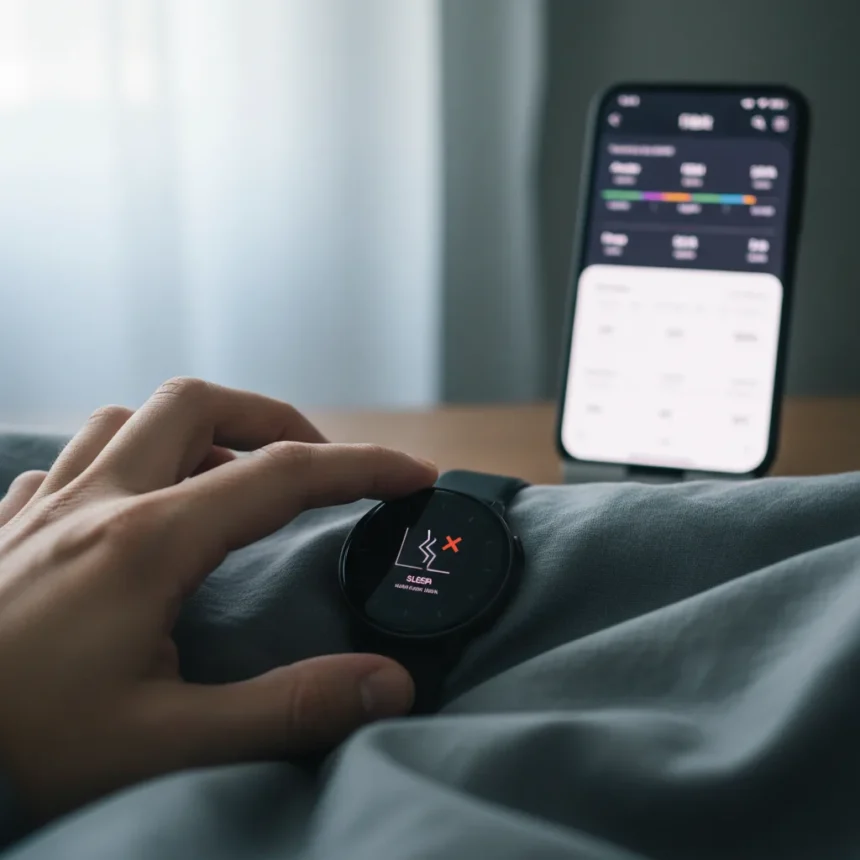
Pixel Watch sleep tracking has become unreliable again. Users are reporting that sleep statistics vanish from the watch display itself, even though the data still appears in the companion Fitbit app—a frustrating gap that undermines trust in the device’s core health-tracking promise.
Key Takeaways
- Sleep stats disappear from Pixel Watch display but remain visible in the Fitbit app
- The issue is attributed to a Fitbit-related bug rather than hardware failure
- Data synchronization between watch and app is broken, creating a discrepancy
- This represents another recurring software issue in the Pixel Watch ecosystem
- Users can still access sleep data through the Fitbit app despite the watch-side bug
Why Pixel Watch sleep tracking is failing again
The core problem is straightforward: Pixel Watch sleep tracking data is being recorded and stored in the Fitbit backend, but the watch itself refuses to display it. This creates an absurd situation where health information exists in the cloud yet remains invisible on the device meant to track it. The bug appears to stem from a Fitbit software issue rather than a hardware limitation, which means a fix is theoretically possible—but Google has not yet provided a timeline.
What makes this particularly frustrating is that it is not the first time this has happened. The Pixel Watch ecosystem has a documented history of Fitbit-related bugs that disable key features. Each incident erodes user confidence in the platform’s reliability. When a device’s primary selling point is health tracking, having that data vanish from the watch screen is a critical failure.
The disconnect between watch and app
This bug exposes a fundamental architectural problem in how the Pixel Watch syncs with Fitbit. The watch and the app are supposed to be seamless extensions of the same ecosystem. Instead, they are operating independently—the app receives and displays sleep data while the watch remains blind to it. For users who bought the Pixel Watch specifically to glance at health metrics on their wrist, this split is useless.


The data is not lost, which is the only small mercy. Sleep records remain in the Fitbit app, so users can still review their sleep patterns on their phone. But that defeats the entire purpose of wearing a smartwatch. If you have to pull out your phone to see what the watch should be showing you, the watch becomes an expensive notification device rather than a health tracker.
What this means for Pixel Watch reliability
This bug reinforces a pattern that has defined the Pixel Watch since launch: software instability. The device runs Google’s own Wear OS and integrates with Google’s own Fitbit platform, yet basic functionality keeps breaking. That level of control should theoretically result in seamless integration, but instead users are caught in the middle of recurring bugs that disable core features.



For potential buyers, the message is clear: the Pixel Watch is still not a mature product. If sleep tracking is important to you, the inconsistency is a deal-breaker. For existing owners, the question becomes whether to trust the device at all or whether to switch to a more stable alternative in the Wear OS ecosystem or beyond.
How to work around the Pixel Watch sleep tracking bug
Until Google releases a fix, affected users have limited options. The most practical workaround is to rely entirely on the Fitbit app for sleep data review. Open the app on your phone, and sleep statistics should display normally. This is not ideal—it negates the convenience of a wearable—but it preserves access to the data itself.
Some users have reported that restarting the watch or re-syncing the Fitbit app temporarily restores the display, though the fix is often temporary. Checking for Fitbit app updates may help, as Google occasionally rolls out patches for sync issues. However, without an official statement on the bug’s cause or timeline for resolution, there is no guaranteed fix short of waiting for the next software update.
Is the Pixel Watch worth buying if sleep tracking matters?
Not right now. If sleep tracking is a primary reason you are considering the Pixel Watch, wait for Google to stabilize the platform. The recurring bugs suggest the ecosystem is still in beta, regardless of the official release status. Choose a more established wearable platform—Apple Watch, Samsung Galaxy Watch, or even older Fitbit devices—if sleep data reliability is non-negotiable.



Will Google fix the Pixel Watch sleep tracking bug?
Google has not publicly acknowledged the bug or provided a fix timeline. Given the pattern of Fitbit-related issues on the Pixel Watch, fixes typically arrive in app updates, but they can take weeks. Users should check for Fitbit app updates regularly and monitor the Android Central community for reports of resolution.
Can I still access my sleep data if the watch display is broken?
Yes. Sleep data remains intact in the Fitbit app and on Fitbit’s servers. You can view all sleep statistics, trends, and insights through the Fitbit app on your phone. The watch display bug is a visibility problem, not a data loss problem—an important distinction that at least prevents total information loss.
The Pixel Watch sleep tracking bug is a reminder that owning a new Google device means accepting instability. The watch itself is capable hardware, but the software ecosystem has not matured enough to deliver reliable health tracking. Until Google demonstrates sustained stability across Fitbit integration, the Pixel Watch remains a risky choice for anyone who depends on accurate, accessible sleep data.
Edited by the All Things Geek team.
Source: Android Central