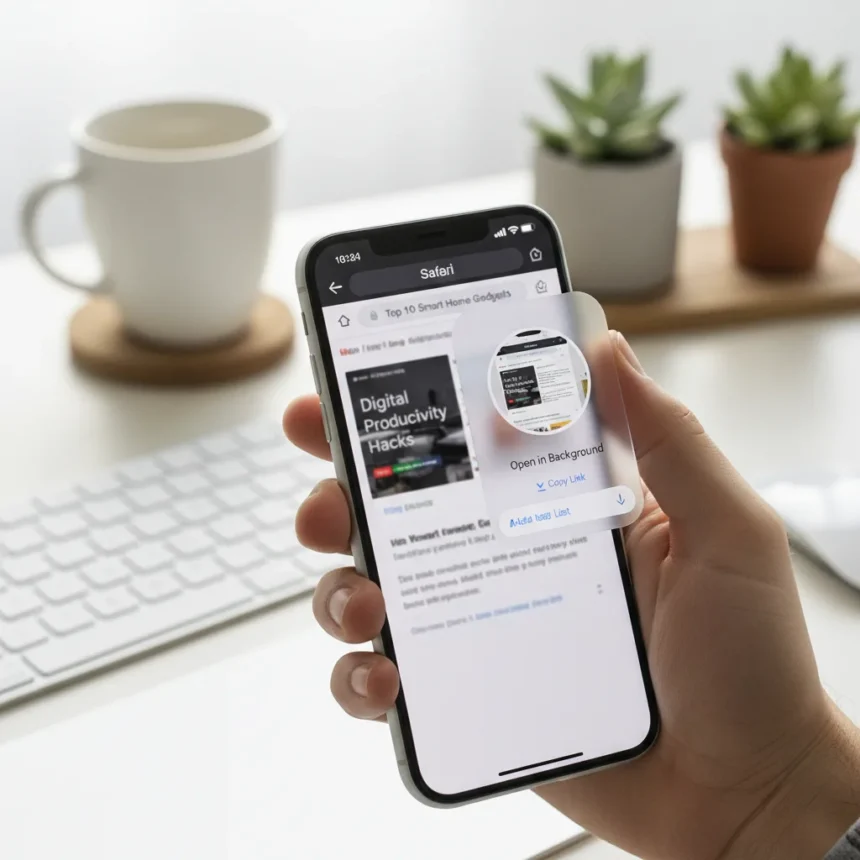
The iPhone Safari background link feature is a hidden setting that lets you open links in the background without interrupting your current page. This small but practical quality-of-life improvement transforms how you browse on iPhone by eliminating the constant context-switching that makes reading frustrating on mobile devices.
Key Takeaways
- iPhone Safari has a hidden setting that opens links in the background without interrupting your reading
- The feature is buried in iPhone settings rather than prominently displayed in Safari
- Background link opening prevents the jarring experience of being pulled away from your current page
- This setting applies to all links you tap while browsing
- The feature is available on compatible iPhones already, no update required
Why iPhone’s default link behavior frustrates mobile readers
On most phones, tapping a link immediately navigates away from your current page. You lose your place, interrupt your reading flow, and have to backtrack to return to what you were originally reading. This constant jumping between pages is one of the most annoying aspects of mobile browsing, yet Apple has quietly built a solution directly into Safari settings.
The iPhone Safari background link feature addresses this by letting links load in the background while you continue reading the current page. You stay in control of when you switch pages, not the link itself. This approach respects your reading context and eliminates the disruptive navigation that makes browsing on iPhone feel chaotic compared to desktop browsing.
How to enable the iPhone Safari background link feature
The iPhone Safari background link feature lives in your Settings app rather than within Safari itself, which explains why so many users never discover it. To access this setting, you need to navigate through iPhone’s preferences menu and locate the specific Safari option that controls link behavior.


Once enabled, the feature changes how Safari handles every link you tap. Instead of immediately loading the new page and pushing your current page off-screen, links open in the background. You can continue reading, scrolling, or reviewing content on your current page while the link loads silently behind the scenes. When you are ready to switch pages, you can tap a tab or use Safari’s interface to view the newly opened link.
This approach mirrors the tab behavior you find on desktop browsers, where opening a link in a new tab keeps your current page visible. The iPhone Safari background link feature brings that same convenience to mobile Safari, though it operates through a settings toggle rather than a right-click menu.



The advantage over default iPhone browsing behavior
Without this setting, every link tap feels like an interruption. You tap a link, your current page disappears, and you are transported to a new page. If that page is not what you expected or you want to compare it to what you were reading, you have to tap back and reload your original page. The friction adds up across dozens of browsing sessions.
The iPhone Safari background link feature eliminates this friction entirely. Links still load, but they do so out of view. You maintain visual and mental continuity with your original content. This is especially valuable when you are reading articles with multiple linked references, researching a topic across several pages, or simply trying to maintain focus on long-form content.
Compared to forcing users to interrupt their reading with every tap, this hidden setting represents a more thoughtful approach to mobile browsing. It assumes you want to control your own navigation rather than having links dictate your journey through the web.
Why Apple buried this setting in preferences
The decision to place this feature in Settings rather than making it a prominent Safari option is puzzling. Many users who would benefit from this setting never find it because they do not expect browsing behavior to be configured outside of the browser itself. Apple has a track record of hiding useful features in system settings, but this particular setting deserves more visibility given how dramatically it improves the browsing experience.



The feature works silently once enabled. You will not see notifications or visual indicators that links are loading in the background. Safari simply behaves differently, opening links without the disruptive page transition. This seamless behavior is exactly why the setting matters—it removes friction from an activity you perform hundreds of times on your iPhone.
Is the iPhone Safari background link feature worth enabling?
Yes, especially if you read long articles, research topics across multiple pages, or find yourself frustrated by constant navigation interruptions. The setting costs nothing, requires no app updates, and applies instantly once activated. If you prefer your browsing to feel more like desktop Safari, this feature closes that gap significantly.
The main adjustment is learning to check your open tabs when you want to view newly loaded links. Once that habit forms, the feature becomes invisible—it simply works in the background, letting you maintain focus on what you are reading.
Does this feature work on all iPhones?
The iPhone Safari background link feature is a settings-based option available on compatible iPhones. No special iOS version or hardware is required beyond standard Safari support. If your iPhone can run Safari and access Settings, you can enable this feature.
Can you disable the feature if you do not like it?
Yes. The iPhone Safari background link feature is a toggle setting, so you can turn it off at any time if you prefer the default link-opening behavior. This flexibility means you can test the feature without permanent commitment, then decide whether the change improves your browsing experience.
The iPhone Safari background link feature demonstrates that Apple has thought carefully about mobile browsing frustrations. The feature just needed better visibility to reach the users who would appreciate it most. If you spend significant time reading on your iPhone, finding and enabling this setting is worth the few seconds required to navigate to Settings. It is one of those small quality-of-life improvements that makes daily iPhone use feel noticeably less frustrating.
Edited by the All Things Geek team.
Source: Tom's Guide