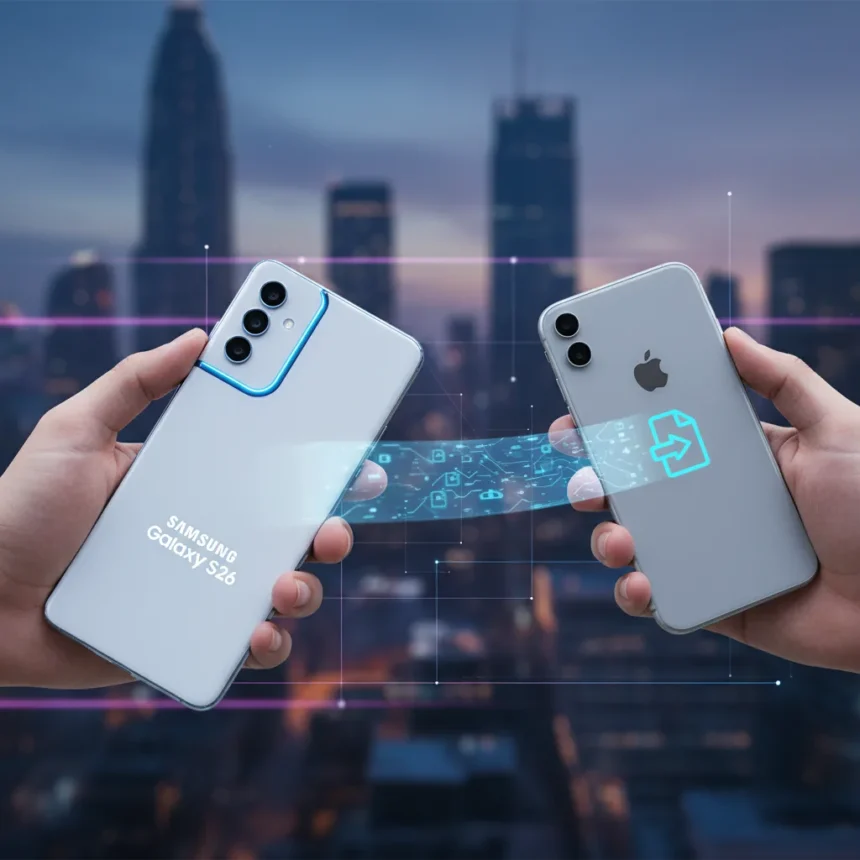
Samsung Galaxy S26 AirDrop support just arrived, and it changes everything about how Android and iPhone users share files. The update, build AZCF, began rolling out March 23, 2026 in South Korea and is now expanding globally to the US, Europe, India, and beyond. For the first time, you can send files directly from a Galaxy S26 to an iPhone without reaching for a third-party app or cloud service.
Key Takeaways
- Samsung Galaxy S26 AirDrop support enables native file sharing with iPhones, iPads, and Macs without third-party apps.
- Update build AZCF (roughly 900 MB) includes February 2026 security patch and began rolling out March 23, 2026.
- Feature uses Bluetooth for device discovery and Wi-Fi for fast file transfer between Android and Apple devices.
- Google’s Pixel 10 series launched similar compatibility first, but Samsung’s rollout to S26 series is now live.
- Enable the feature in Settings by toggling “Share with Apple devices” under Quick Share.
How Samsung Galaxy S26 AirDrop Support Actually Works
Samsung Galaxy S26 AirDrop support operates through a compatibility layer that translates AirDrop’s proprietary Bluetooth and Wi-Fi peer-to-peer protocol with Quick Share’s own Bluetooth and Wi-Fi Direct standards. The result feels seamless: select a file in Quick Share, tap a nearby iPhone, and it arrives without any setup hassle. On first use, a pop-up informs you the feature is active.
The technical bridge is significant because AirDrop and Quick Share were built on entirely different architectures. Quick Share is Android’s equivalent to AirDrop, formed from Samsung’s original efforts merged with Google’s Nearby Share by 2024. For years, the two platforms could not talk to each other. Now they can, and the handoff is fast enough that you won’t notice the translation happening underneath.
What makes this work is the requirement that both Bluetooth and Wi-Fi stay enabled on your devices. The Bluetooth handles the initial discovery—your iPhone appears in the list of nearby recipients—while Wi-Fi handles the actual file transfer, which is why it is far quicker than Bluetooth alone could manage.


Enabling Samsung Galaxy S26 AirDrop Support on Your Device
Enabling Samsung Galaxy S26 AirDrop support takes 30 seconds. Go to Settings, find Quick Share (sometimes listed under Connected devices), and toggle on “Share with Apple devices”—this setting is enabled by default after the update. On your iPhone or iPad, set AirDrop to “Everyone” or “Everyone for 10 minutes” to become discoverable.
Before you start, make sure your Galaxy S26 has the latest Google Play Services (v26.11.33 or newer) and Quick Share app (v13.8.51.30 or newer). Check these in your device’s app store or system settings. Keep Bluetooth and Wi-Fi on throughout the process—if either drops, discovery fails and you will need to reconnect.



The update itself arrives via Settings > Software update > Check for updates. The AZCF build weighs roughly 900 MB, so connect to Wi-Fi before installing. Samsung notes that availability and timing vary by market, so your device might receive it slightly later than others in your region.
Samsung Galaxy S26 AirDrop Support vs. Google’s Pixel 10 Approach
Google’s Pixel 10 series actually launched Quick Share-AirDrop compatibility first, beating Samsung to the punch. However, Samsung’s rollout to the Galaxy S26 series is happening now, and the feature works identically on both platforms—it “just works,” as one reviewer put it. The difference is not in capability but in timing: Google got there first, Samsung is catching up fast.
Both companies solved the same problem: Android users were stuck relying on cloud services, email, or third-party apps to share files with iPhone owners. Neither Quick Share nor AirDrop could cross the ecosystem divide until now. Samsung’s implementation on the S26 series is exclusive for the moment, though the company plans to expand Samsung Galaxy S26 AirDrop support to more devices, likely through One UI 8.5. This means older Galaxy phones will eventually get the feature, but S26 owners are first in line.
Why This Matters for the Android-iOS Divide
For years, the smartphone ecosystem has been fragmented. iPhone users can AirDrop to other Apple devices effortlessly; Android users have had no equivalent that works across platforms. Samsung Galaxy S26 AirDrop support finally closes that gap. “Samsung is officially bridging the gap between Android and iOS, bringing the two mobile platforms closer together,” according to coverage of the rollout.



This is not just convenient—it is a statement that the two ecosystems are mature enough to interoperate. The feature works within Bluetooth and Wi-Fi range, so it is not a cloud-dependent solution that requires internet or an account. You simply stand near someone with an iPhone and send them a file. That simplicity is what makes it feel like a real bridge rather than a workaround.
Is the update available in my region yet?
Samsung Galaxy S26 AirDrop support began rolling out March 23, 2026 in South Korea and has expanded to the US, Europe, India, Hong Kong, Japan, Latin America, North America, Southeast Asia, and Taiwan. Check Settings > Software update > Check for updates to see if your device is eligible. Rollout is gradual, so your phone might receive it a few days after your friend’s, even in the same country.
What file types can I share with Samsung Galaxy S26 AirDrop support?
Quick Share supports any file type—photos, videos, documents, audio files, PDFs, and more. Select files in Quick Share, choose an Apple device, and send. The feature handles everything the same way AirDrop does on the iPhone side, so if you can AirDrop it, you can send it via Samsung Galaxy S26 AirDrop support.
Will older Samsung phones get this feature?
Samsung plans to expand Samsung Galaxy S26 AirDrop support to more devices beyond the S26, S26+, and S26 Ultra, likely through future One UI updates. The company has not announced a specific timeline or device list yet, but the expansion is planned rather than optional—it is a matter of when, not if.
Samsung Galaxy S26 AirDrop support is the kind of feature that should have existed years ago. It removes friction from the most basic act of sharing—handing a file to someone nearby—and it does so without requiring apps, accounts, or cloud services. For Android users tired of workarounds, it is a genuine relief. For the industry, it signals that the Android-iOS divide, while real, is no longer absolute.
Edited by the All Things Geek team.
Source: Android Central