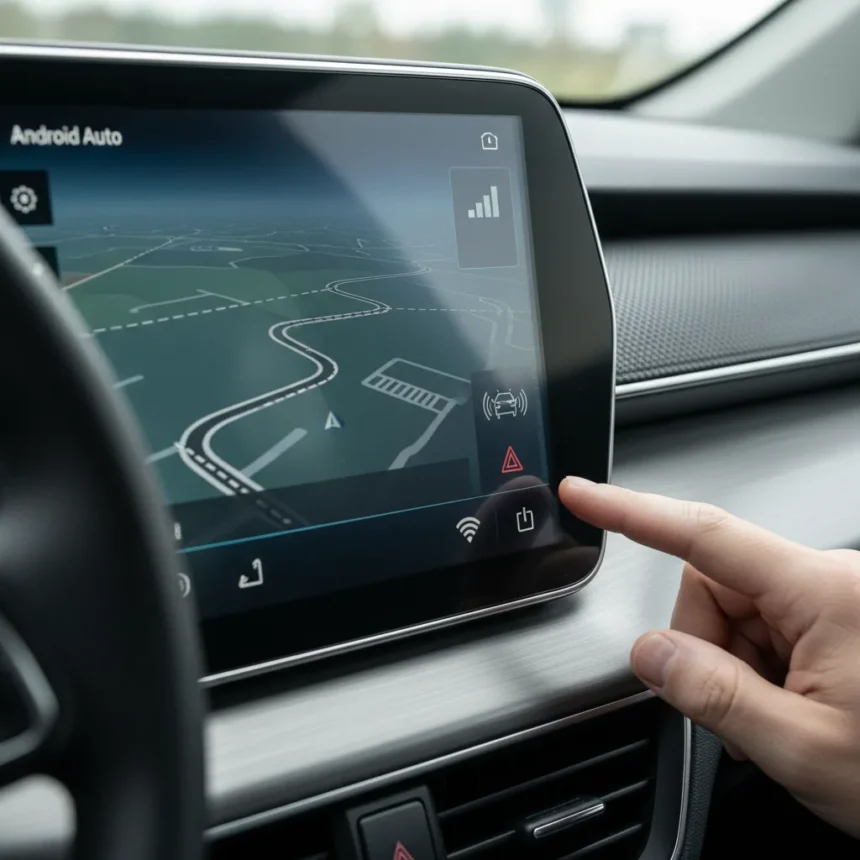
The Android Auto signal icon bug is making the signal strength indicator disappear from the dashboard for some users, even as their network connectivity remains fully functional. This purely visual glitch represents yet another stability problem plaguing Google’s in-car software as it continues rolling out updates throughout early 2026.
Key Takeaways
- Signal strength icon vanishes visually but network connectivity remains unaffected
- Bug follows recent Android Auto updates that previously addressed disconnection issues
- Google’s Android Auto team is actively investigating user-submitted reports
- Troubleshooting includes restarting devices, checking USB cables, and clearing app cache
- Known issues list was updated March 1, 2026, with the bug documented
Android Auto’s Growing Stability Problem in 2026
Google rolled out an update last week to fix prior Android Auto disconnection problems affecting Pixel and Galaxy users. Within days, reports surfaced of the signal icon vanishing, suggesting the app’s update cycle is introducing new issues faster than previous ones are being resolved. This pattern reflects a troubling trend: Android Auto appears caught in a bug cycle where each fix spawns fresh complications.
The missing signal icon itself does not prevent the app from functioning. Your phone connects to your car’s head unit normally, navigation works, and music streams without interruption. The problem is purely cosmetic—but cosmetic bugs erode user confidence. When drivers cannot see signal strength, they lose visibility into whether their connection is stable, potentially causing unnecessary worry during critical moments.
What’s Triggering the Android Auto Signal Icon Bug
The exact trigger remains unclear from official sources, though the timing suggests recent Android Auto updates are the culprit. A related navigation bug tied to Android Auto 12.0.1, released in early February 2026, involved missing car icons and cache corruption. While the signal icon bug may not stem from the identical root cause, the pattern is identical: update rolls out, visual elements disappear, users report the issue, Google investigates.


The Android Auto team updated its known issues list on March 1, 2026, documenting the signal icon problem and confirming active investigation. No timeline for a fix has been announced, leaving affected users waiting for the next update cycle—which carries its own risk of introducing additional bugs.
How to Fix the Android Auto Signal Icon Bug Right Now
While Google works on a permanent fix, several workarounds can restore the signal icon or at least stabilize your Android Auto connection. Start with the simplest step: restart both your phone and your car’s infotainment system. Power cycling often clears temporary glitches that updates introduce.



Next, inspect your USB cable. Low-quality or damaged cables frequently cause Android Auto problems ranging from disconnections to display glitches. Replace it with a certified cable if you suspect wear. Then ensure Android Auto itself is enabled in your phone’s settings—sometimes updates accidentally disable the app’s permissions.
If restarting and cable checks do not work, uninstall and reinstall Android Auto via Google Play Store. This forces a clean installation without corrupted cache files. For more aggressive troubleshooting, clear the app’s cache and data by navigating to Settings > Apps > Android Auto > Storage & cache > Clear cache/storage, then reconnect to your car.
Advanced users running Android Debug Bridge (ADB) can attempt a rollback to Android Auto 12.0.0, the version before the problematic 12.0.1 release, using ADB commands. This approach requires technical comfort with command-line tools and carries the risk of sidestepping security updates, so only attempt it if standard fixes fail.
Why Android Auto Keeps Breaking
Android Auto’s stability troubles highlight the challenges of developing software that must work across dozens of car manufacturers, infotainment systems, and Android versions simultaneously. A fix that works for a 2024 Tesla may break compatibility with a 2020 Honda. Google‘s update strategy appears to prioritize rolling out new features and addressing critical disconnection issues without sufficient testing across the full hardware matrix.



The signal icon bug is minor compared to total disconnections, but it signals (no pun intended) that quality assurance is stretched thin. Each update introduces risk, yet the app’s reputation depends on reliability more than flashy features. Drivers need Android Auto to work consistently; they do not need new bugs with every patch.
Is the Android Auto signal icon bug affecting everyone?
No. The bug affects some users after recent Android Auto updates, but not all devices are impacted. If your signal icon is displaying normally, you are likely running a slightly different version or your car’s head unit is not triggering the bug. That said, the issue is widespread enough that Google has documented it on its known issues list.
Will the Android Auto signal icon bug fix my disconnection problems?
The signal icon bug is separate from disconnection issues. If you are experiencing total disconnections, clearing your Android Auto cache, checking your USB cable, and restarting both devices remain your best immediate options. The March 1, 2026 update addressed disconnection problems specifically, so ensure you have installed the latest version.
Should I switch to Apple CarPlay if Android Auto keeps breaking?
If Android Auto’s ongoing instability is intolerable, Apple CarPlay is a stable alternative for iPhone users—but Android users have no equivalent. Your options are limited to troubleshooting Android Auto or using your car’s native infotainment system. Google needs to demonstrate it can ship stable updates consistently before expecting users to tolerate repeated bugs.
The Android Auto signal icon bug is a symptom of a larger problem: Google is updating the app too frequently without sufficient quality gates. A signal icon vanishing is annoying but forgivable; a pattern of bugs suggests the update cycle itself is broken. Until Google slows down and tests more rigorously, expect more reports like this one.
Edited by the All Things Geek team.
Source: Android Central