







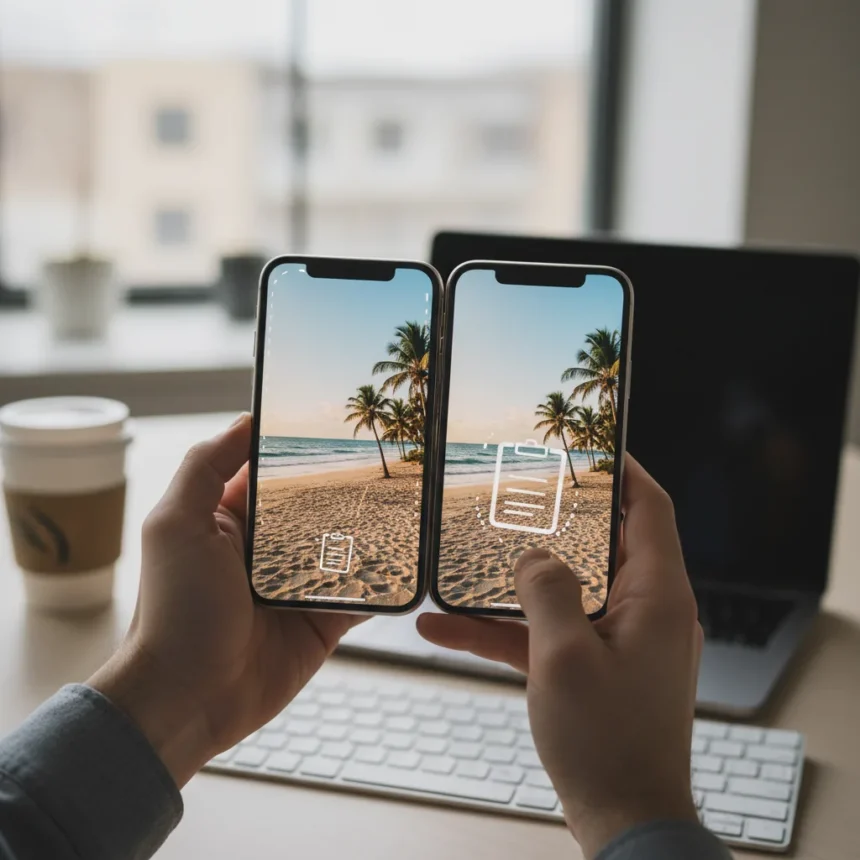
iPhone Photos copy-paste edits is a built-in productivity feature buried inside Apple’s Photos app that lets you apply identical adjustments to multiple images at once. Most iPhone users have no idea it exists, which means they are manually re-editing the same settings across dozens of photos when they could be done in seconds. This is not a new camera mode or a capture setting—it is a post-production workflow tool that transforms how you batch-edit photos on your device.
Key Takeaways
- iPhone Photos copy-paste edits lets you duplicate adjustments across multiple images instantly.
- The feature is built into Apple’s native Photos app on compatible iPhones.
- This hidden tool saves significant time when editing photo batches with consistent lighting or color corrections.
- The workflow involves editing one photo, copying the edits, then pasting them to selected images.
- Many iPhone users remain unaware the feature exists despite years of availability.
What iPhone Photos Copy-Paste Edits Does
iPhone Photos copy-paste edits allows you to capture all the adjustments you make to a single image—exposure, contrast, saturation, temperature, and any other tweaks—then instantly apply those exact same settings to one or more additional photos. Instead of manually sliding each adjustment bar on every image, you edit once and replicate the result across your entire batch. This is especially valuable when you have shot a series of photos under identical lighting conditions, such as a sunset session or indoor event photos where the color temperature and exposure are consistent.
The feature works within Apple‘s native Photos application, meaning no third-party editor or subscription is required. This is a quality-of-life feature that Apple has included for years but never prominently advertised, which explains why so many iPhone users—even experienced photographers—remain unaware of its existence. The workflow is straightforward: edit your first image to your satisfaction, copy the edits, select the other photos you want to adjust, and paste. Every adjustment applies instantly to all selected images.
Why This Feature Matters for iPhone Photographers
Batch editing is one of the most time-consuming parts of any photography workflow. Without iPhone Photos copy-paste edits, you would need to manually adjust exposure, contrast, and color on each individual photo, a task that becomes tedious with 20, 50, or 100 images. The copy-paste approach eliminates that repetition entirely. If you shoot in RAW or use consistent presets in other editors, you understand how valuable this kind of efficiency is. Apple’s built-in solution brings that same convenience directly to your phone’s native app, no learning curve required.



The feature also encourages better editing discipline. By forcing you to finalize your adjustments on a single reference image before copying, you are more likely to arrive at a cohesive look rather than tweaking randomly across multiple images. Photographers working on social media content, portfolio updates, or client deliverables benefit most from this approach, as consistency across a series is often more important than perfecting individual shots.
How iPhone Photos Copy-Paste Edits Compares to Manual Editing
Without iPhone Photos copy-paste edits, your only option is to open each photo individually, adjust every slider by hand, and repeat the process until your batch is complete. This method is not only slower but also prone to inconsistency—your eye adjusts as you work, so the 50th photo often looks slightly different from the first, even though you were aiming for the same look. Third-party editing apps like Lightroom offer similar batch-adjustment capabilities, but they require a subscription, a separate app launch, and a more complex interface. Apple’s native solution is free, always available, and integrated directly into the Photos app where your images already live. The trade-off is that iPhone’s editing tools are less granular than professional software, but for the majority of users, the built-in adjustments—exposure, highlights, shadows, contrast, saturation, temperature, and tint—are more than sufficient.


Getting the Most Out of the Feature
To use iPhone Photos copy-paste edits effectively, start by selecting a photo that represents the lighting and color conditions of your entire batch. Make all your adjustments to that single image until it matches your desired aesthetic. Once satisfied, copy the edits. Then select all the other photos you want to adjust—you can select multiple images at once—and paste. The edits apply instantly to every selected photo. If the results are not quite right on a particular image due to exposure variations in your original shots, you can always fine-tune individual images afterward without affecting the rest of the batch.
The feature works best when your photos were taken under similar conditions. A batch of sunset photos, a series of portraits with consistent studio lighting, or a sequence of product shots all benefit from this approach. If you have mixed lighting—some shots in sunlight, others in shade—you may need to create separate edit batches for each lighting condition, then paste accordingly. This workflow mirrors how professional photographers organize their editing sessions, breaking images into groups with similar characteristics before applying consistent adjustments.
Is iPhone Photos Copy-Paste Edits Worth Learning?
Yes, especially if you regularly shoot multiple photos in a single session or take batches of similar images. Even if you edit photos only occasionally, understanding this feature adds a valuable tool to your iPhone photography toolkit. The time savings compound quickly—applying the same edits manually to 20 photos might take 10 minutes, while using copy-paste takes 30 seconds. Over a year of casual photography, that adds up to hours reclaimed. The feature is free, requires no additional apps, and is available on any iPhone with a recent iOS version running Apple’s Photos app.
FAQ
Can you copy and paste edits to photos taken at different times?
Yes, you can copy edits from any photo and paste them to any other photo in your library, regardless of when they were taken. However, the results work best when the source photo and target photos share similar lighting conditions. If you copy edits from a bright daylight photo and paste them to a night photo, the results will likely be unflattering and require manual adjustment.



Does iPhone Photos copy-paste edits work on all iPhone models?
The feature is part of Apple’s native Photos app and is available on compatible iPhones running recent versions of iOS. Exact device and iOS version compatibility was not detailed in available sources, so check your iPhone’s Photos app settings to confirm the feature is available on your device.
Can you copy edits from one photo and paste them to hundreds of images at once?
Yes, you can select as many photos as you want and paste the copied edits to all of them simultaneously. This makes the feature particularly powerful for photographers with large batches to edit, such as event photographers or content creators managing social media feeds.
iPhone Photos copy-paste edits proves that Apple’s native tools often solve real problems more elegantly than users realize. The feature has been hiding in plain sight for years, waiting for photographers to discover that they do not need subscriptions, third-party apps, or complicated workflows to achieve consistent batch edits. If you shoot multiple photos regularly, learning this one feature could reclaim hours of editing time every year.
Edited by the All Things Geek team.
Source: Tom's Guide




